A complete guide to selling canvas art with print on demand: how the model works and how it compares with bulk printing, which canvas products to sell and what role each plays, the printing technology and materials involved, how customers design a canvas online with previews and AI styling, pricing and order value, print quality at large formats, sales channels, and the stages of scaling a canvas business.
October adds two new products your store can sell from one customer photo: AI Storybooks and Coloring Books from Masterpiece AI. Two more changes help you sell where your shoppers already are: Shopify stores can bring their existing catalog over without relinking it by hand, and Shopware PWA stores now show up in AI search….
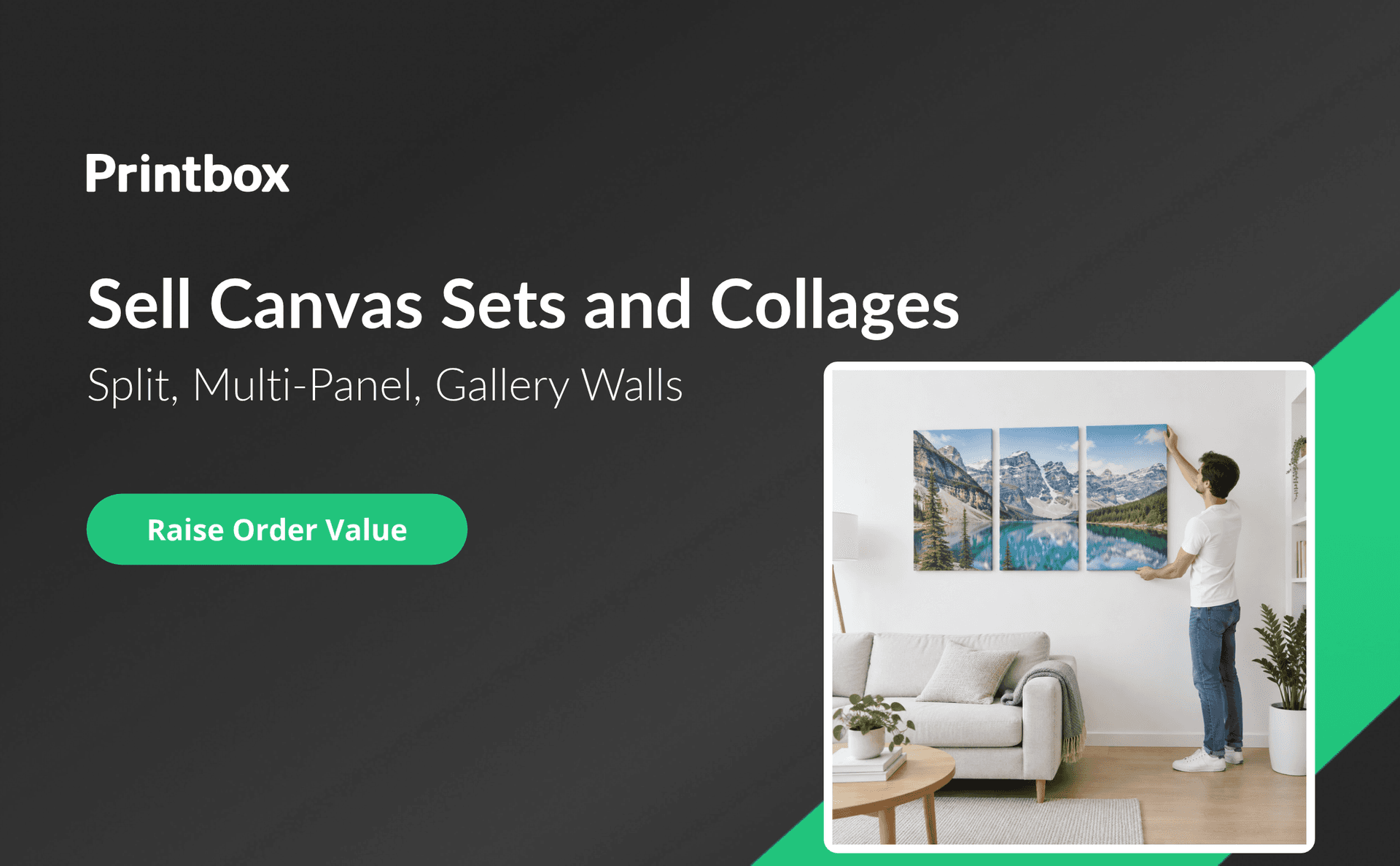
A guide to selling multi-panel, split, and collage canvas sets with print on demand: the main formats and their role in a catalog, why sets raise order value, how customers design them online, what to configure for panels, gaps, and pricing, how to merchandise and upsell sets, common production challenges, and how to grow into B2B and new markets.
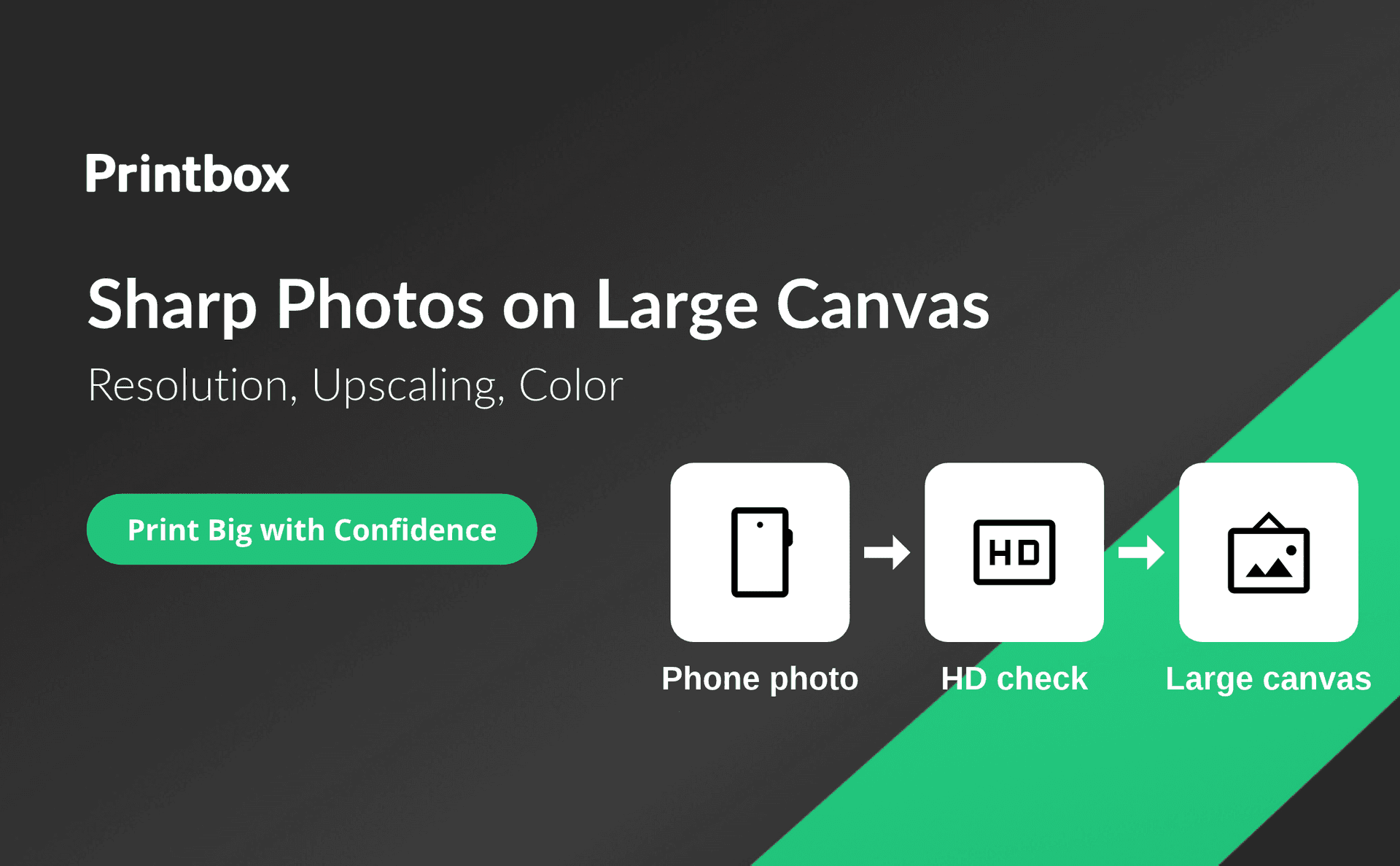
A practical guide to printing customer photos sharp on large canvas: how resolution needs grow with canvas size and viewing distance, why phone photos look soft, how editors catch low-resolution uploads before checkout, what AI upscaling can and cannot fix, how to keep color consistent between screen and canvas, what print-ready files should contain, and how to keep quality steady as volume grows.
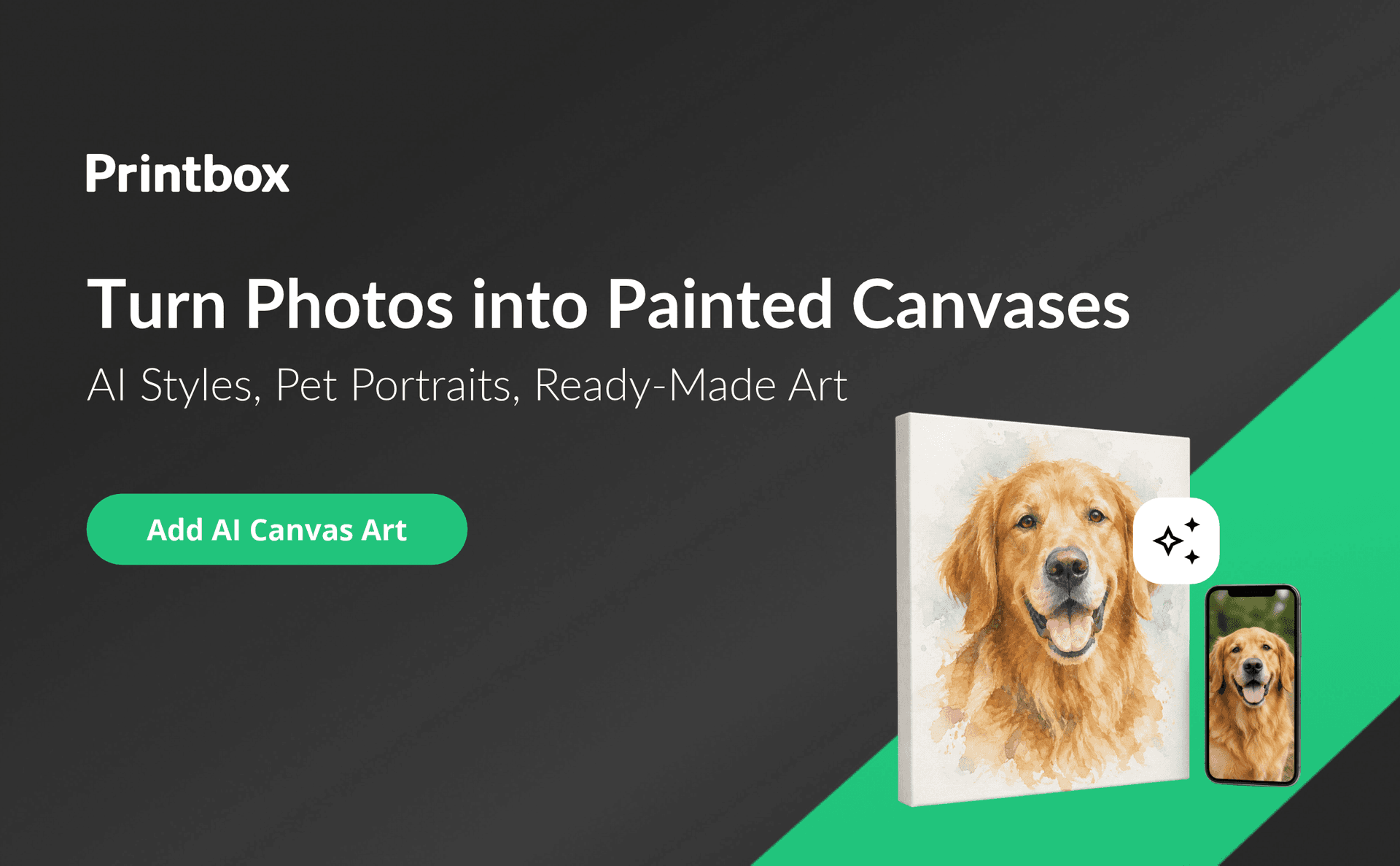
A guide to selling AI canvas art with print on demand: how image-to-image and text-to-image create painting-style canvases from customer photos and ideas, why stylized canvases sell, which styles and niches work best (with pets in the lead), the three creation paths of photo-to-painting, text-to-image, and ready-made art, how prompt checks keep AI art safe to sell, how to add it to a Shopify or custom store, and how to grow beyond one niche.
A guide to choosing where to sell canvas prints on demand: marketplaces, print-on-demand provider apps, your own store with a personalization editor, and B2B sales compared on brand control, customer data, personalization, and production, with advice on matching channels to your stage and a five-step path from a marketplace to your own canvas store.
A guide to building a canvas print-on-demand catalog: the four canvas wrap styles and when each fits, cotton and poly-cotton materials and finishes, pre-stretched versus rolled canvas, when to offer framed canvas, how to keep a catalog lean with clear rules and pricing, how to present wraps and frames to customers, and how to add options as demand grows.
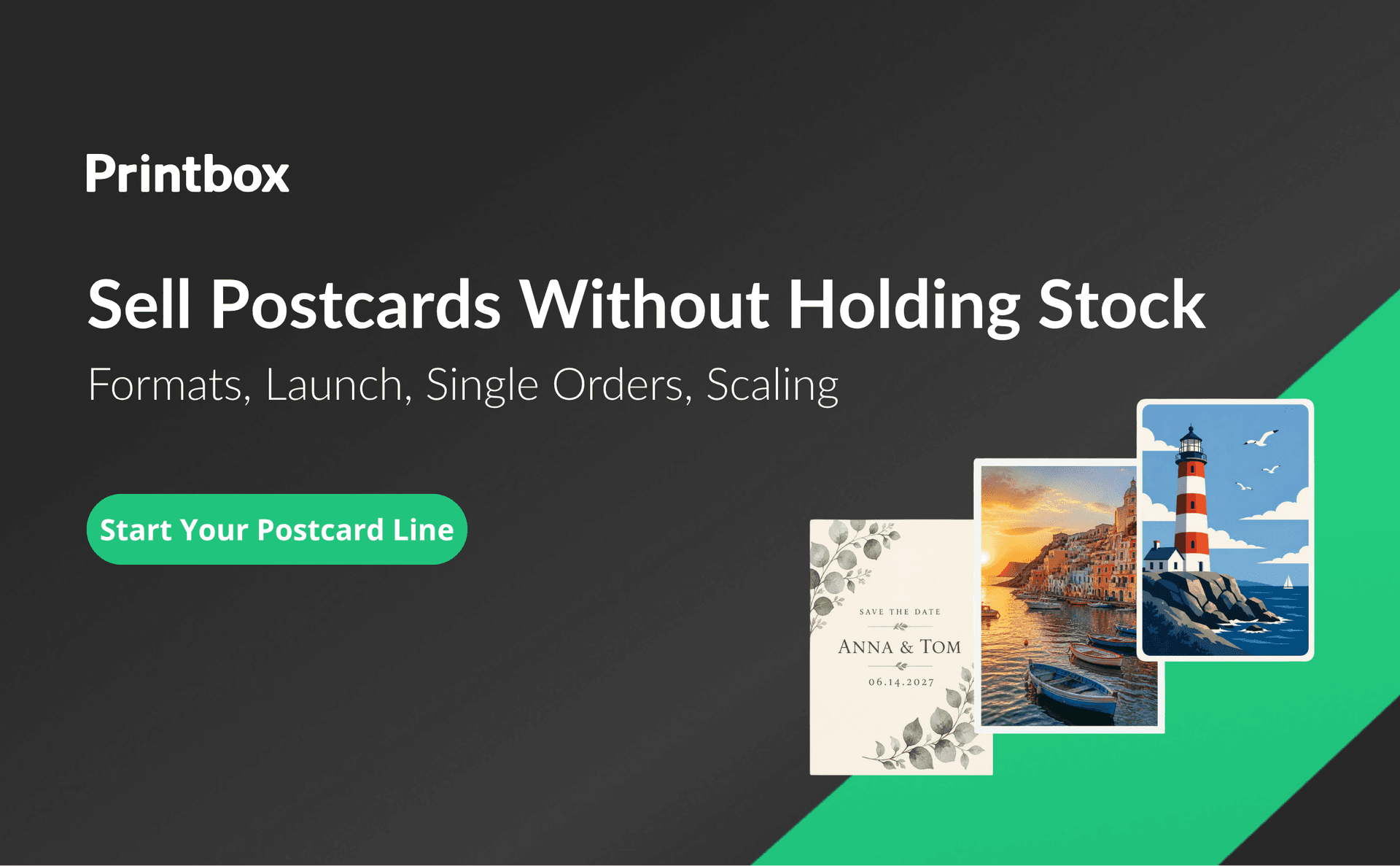
A hub guide to selling print-on-demand postcards. It defines the model (cards printed only after an order, no stock), explains the flow from editor to production to shipping, and covers the main postcard types (photo and travel, wedding and occasion, brand, event), common sizes, papers, and finishes. It sets out six steps to launch, compares print-on-demand with bulk runs, weighs your own store against marketplaces, and lists customer and seller benefits. It closes with four directions for growth and an FAQ. Printbox is shown through the Simple Editor and Flex Editor with live preview, Variable Data Printing for personalized series, the optional Masterpiece AI path, automatic print-ready files, EC Sync catalog sync, and a translatable storefront with upselling.
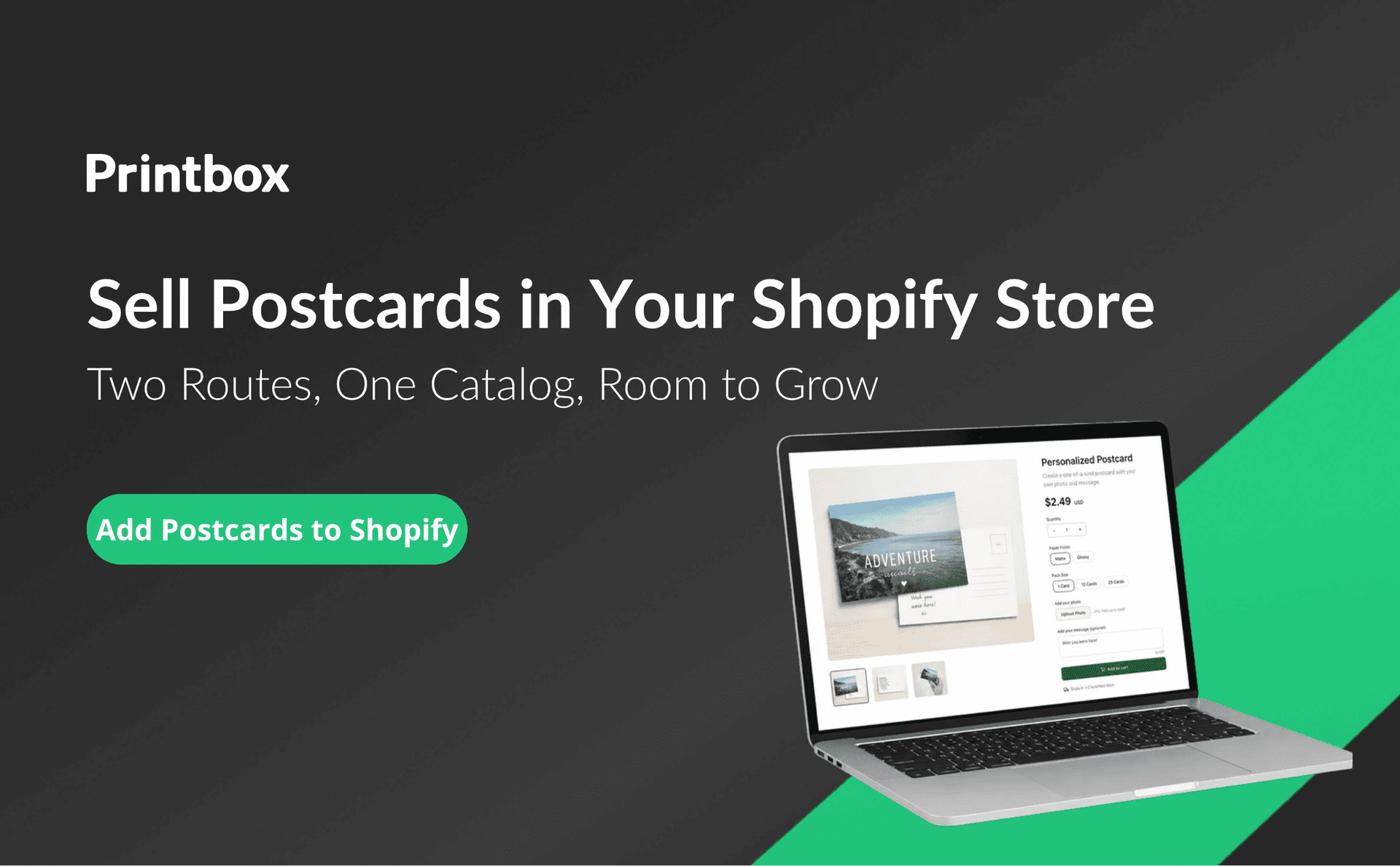
The article explains how to sell print-on-demand postcards on Shopify, from launching a first store to growing the catalog. Shopify has no built-in postcard editor or print production, so stores need either a full platform integration or an app from the Shopify App Store. It compares the two routes, gives a checklist for choosing a postcard app (formats and paper, text and photo personalization, single orders and batches, catalog sync and order flow, optional AI), and sets out three growth moves: widening the catalog, moving to batch orders, and matching the integration to the business stage. Printbox is shown through EC Sync catalog sync with valid-combination rules, the Simple Editor and Flex Editor, variable data printing, automatic print-ready files, and the Masterpiece AI Shopify app installed through app blocks.
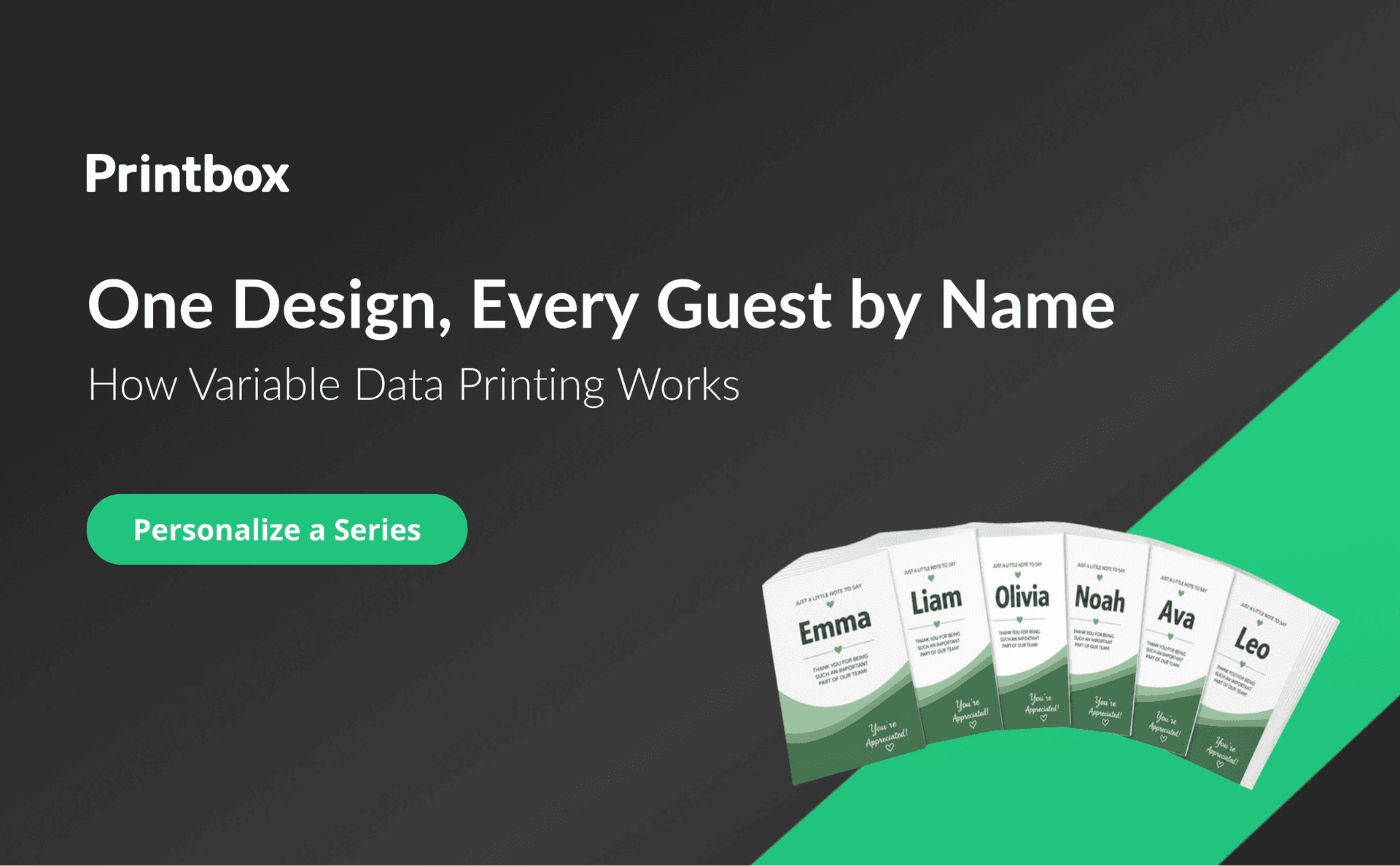
A practical guide to variable data printing (VDP) for personalized postcards. It defines VDP and its synonyms (variable information printing, variable imaging), explains how one postcard layout, variable fields, and a CSV data source combine into a series of personalized cards with one print file per record, and lists typical use cases: event thank-you cards, named invitations, company and seasonal cards, and series for clubs and organizations. It walks sellers through setting up VDP in Printbox (product family, labeled fields with unique IDs, the VDP option in Config, quantity limits and package pricing), compares VDP with standard single-card personalization, and shows how to grow from single cards to large series on one platform with automatic production files and EC Sync catalog sync.
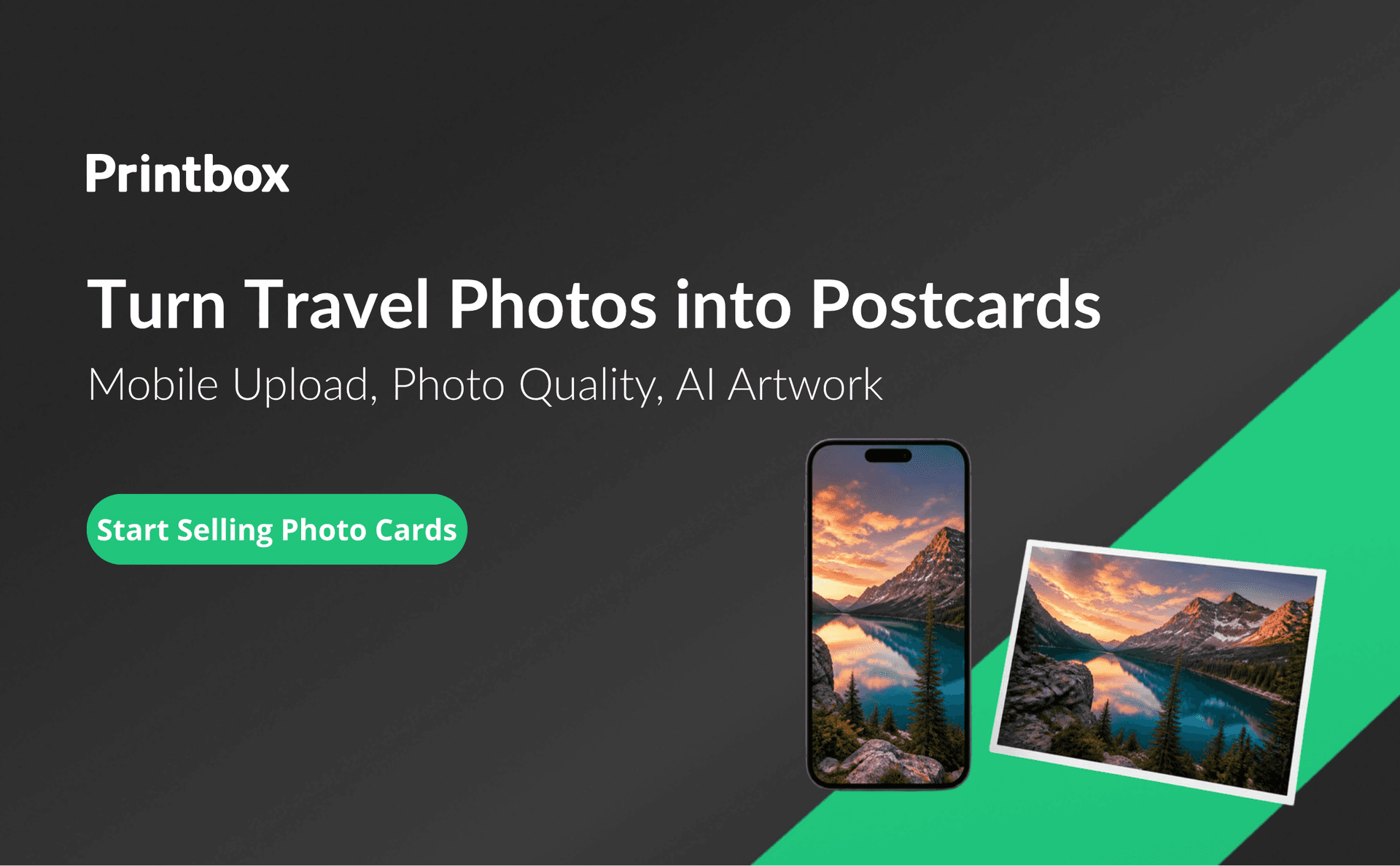
A guide for print-on-demand sellers who want to sell photo postcards online and grow them into a wider photo product catalog. It explains why travel and photo postcards work as a niche (emotional value, a simple flat format, low production cost, repeat purchases around trips and occasions), lays out a mobile-first customer path from upload to order, and shows how to catch photo quality problems before production. It covers AI-generated artwork for customers without a suitable photo and sets out how to grow: related photo products, occasion-based ideas, recommendations, and gallery partners. Printbox is shown through the Flex Editor and Simple Editor, the Perfectly Clear partnership and low-resolution warning, Masterpiece AI, and Storefront upselling and buying paths on one catalog.
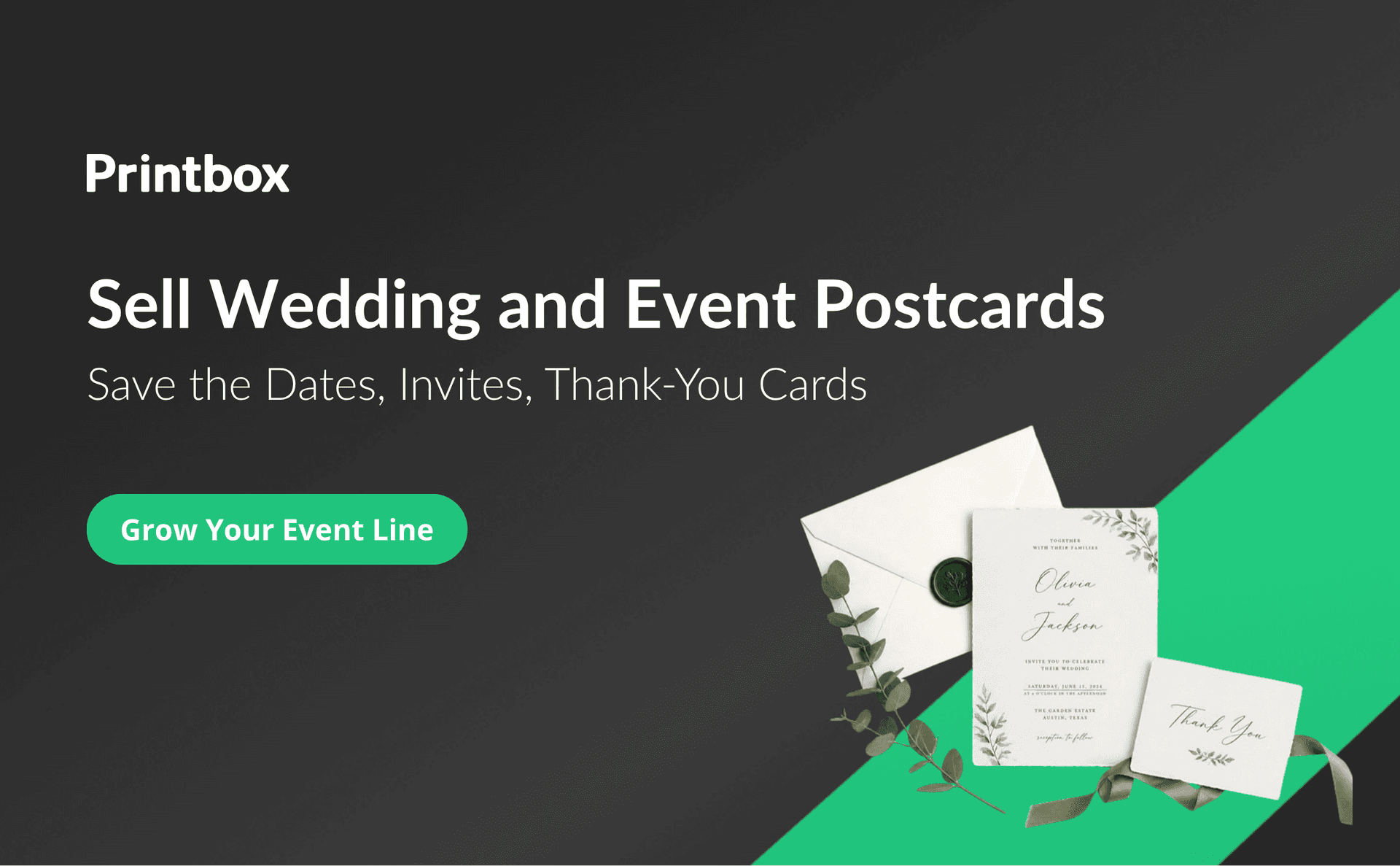
A guide to selling wedding and event postcards online as a print-on-demand business. It covers the five postcard types worth offering (save the dates, invitations, thank-you cards, event keepsakes, and club and school batches), a four-step design flow for customers without design skills, personalizing a whole series with guest names through variable data, planning for the three order waves each event creates, and growing through related products, photographer and organizer partnerships, larger series, and new channels. Printbox is shown through the Simple Editor with realistic preview and occasion templates, the mobile-first Flex Editor, the VDP module with CSV upload, an editable table, and translatable fields, Gallery Link in On-Demand and Automated modes, and one platform for postcards, wedding albums, photo books, calendars, and posters, with production staying with the seller.
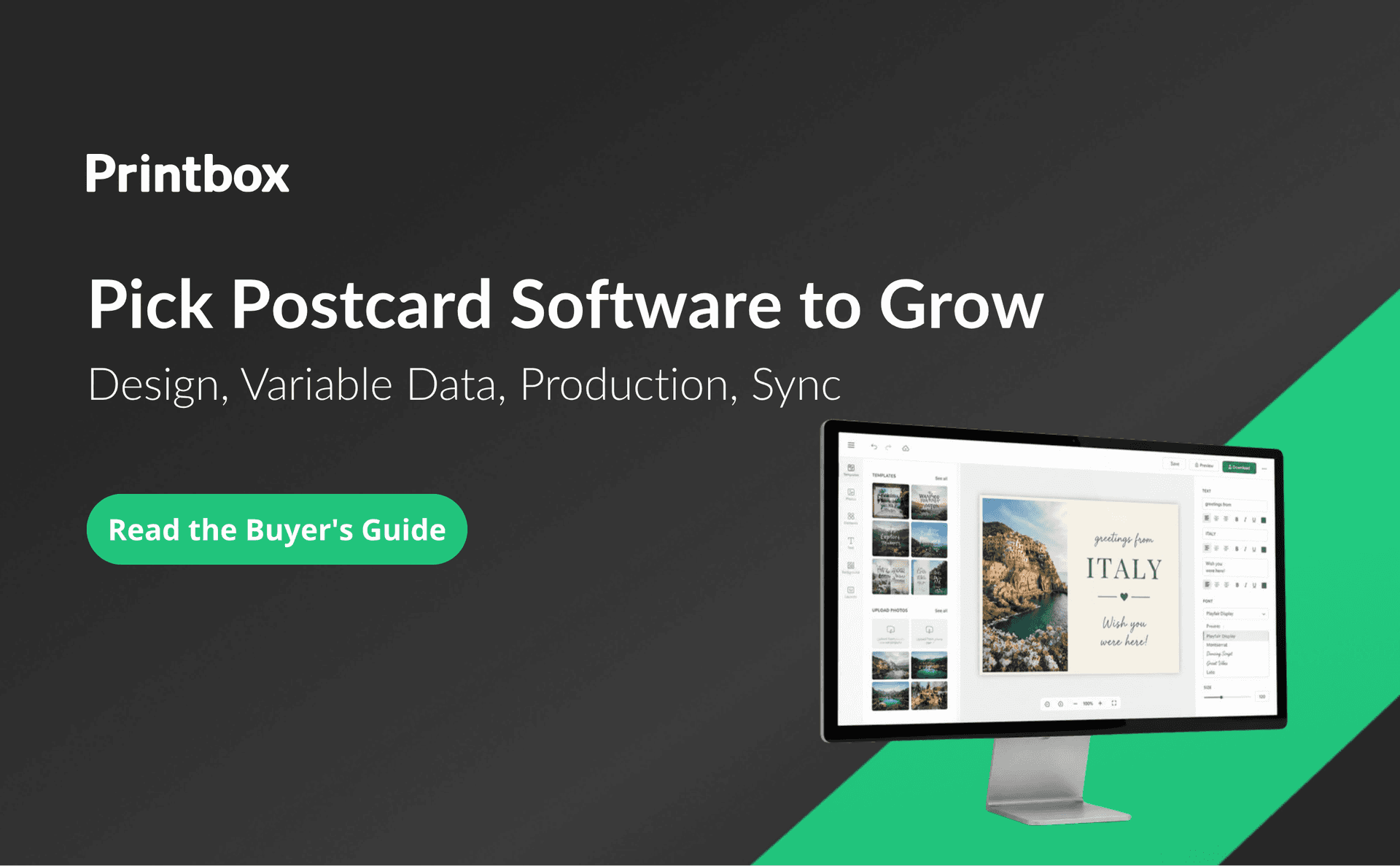
A vendor-neutral buyer’s guide to print-on-demand postcard software. It sets out the criteria that matter at launch and during growth: core design capabilities (an editor embedded in the seller’s site, live preview, photo and text personalization, occasion templates, format and paper configuration, mobile use), variable data printing for series orders, automated production files and photo quality checks, native catalog sync and store integrations, and AI-assisted design as an optional path. It covers scalability criteria, pricing and deployment models in the category, and a list of questions to ask vendors, with an FAQ. Printbox is shown through the Simple Editor and Flex Editor, the Variable Data Printing module, automatic print-ready files, EC Sync catalog sync, Masterpiece AI, multistore, a translatable storefront, and upselling.