Sticker Design and Print-on-Demand Software
For print businesses and online stores. White-label software that lets your store, print shop, or brand offer sticker design and print-on-demand to your own customers. The sticker editor is available to pilot partners: talk to us about early access.



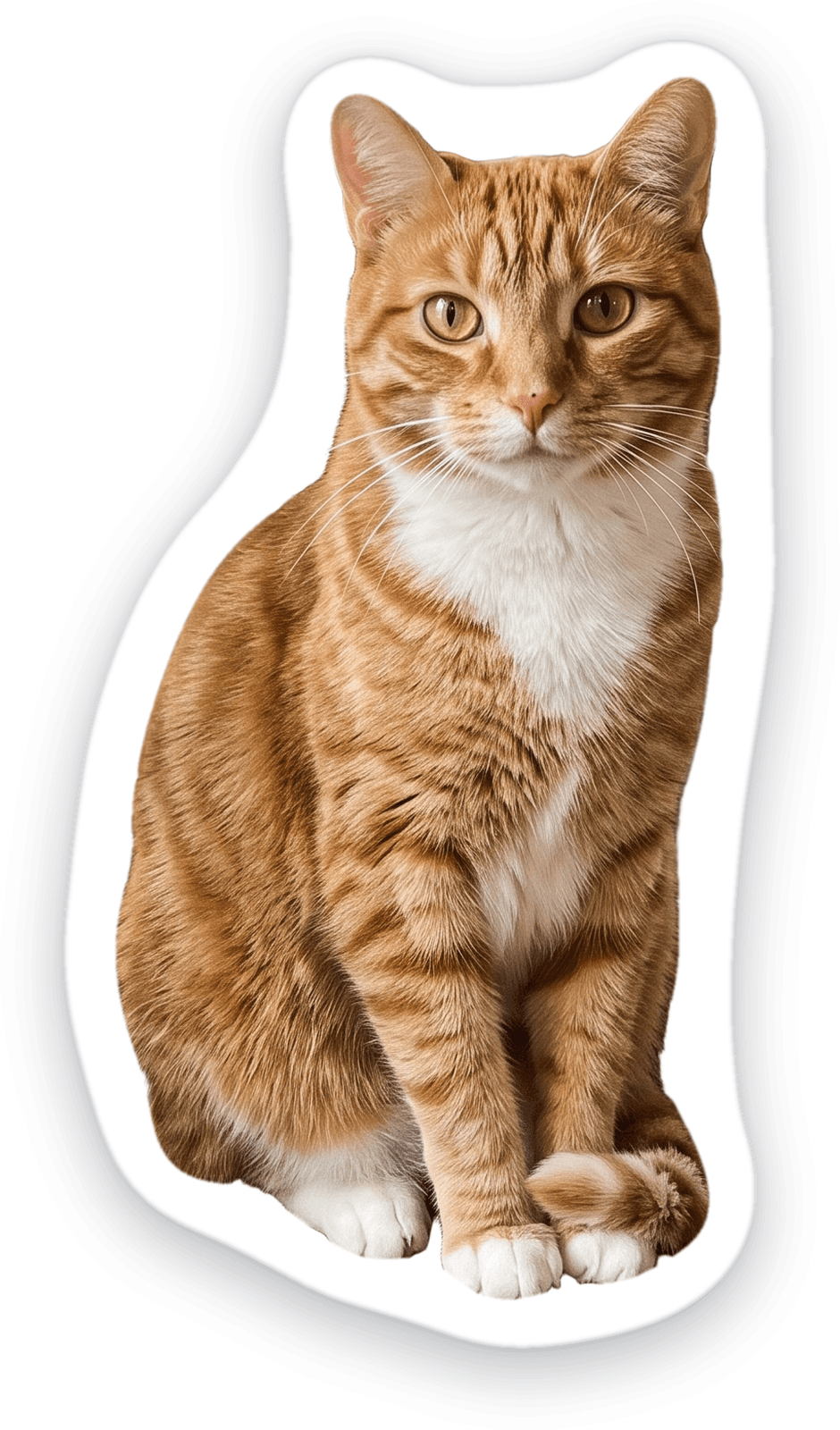
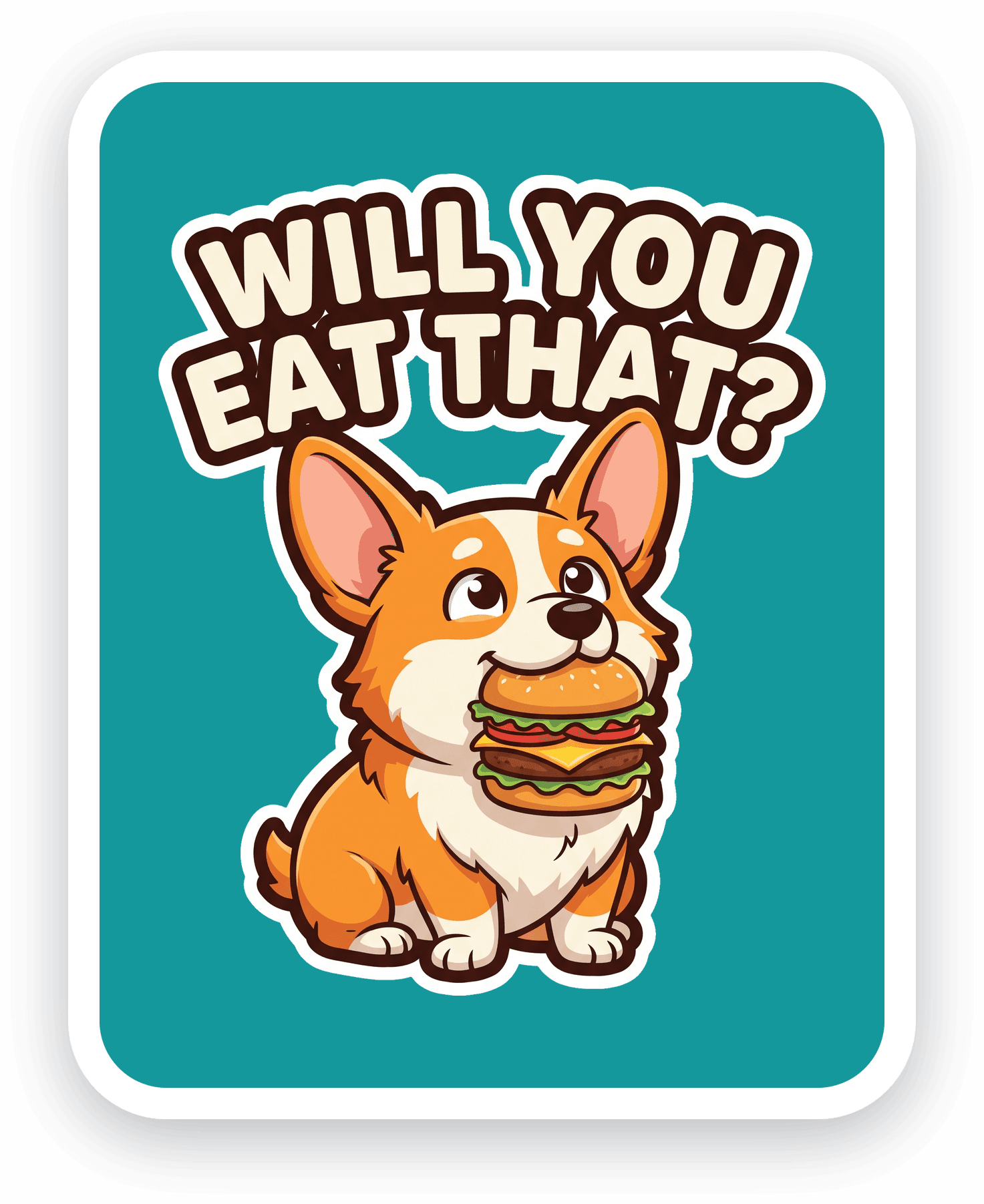
Trusted by photo and print brands worldwide
Why Add Stickers to Your Print-on-Demand Catalog
Stickers are one of the easiest, highest-margin categories to add, and one customers keep coming back for.
Low cost, high margin
Cheap to produce and quick to make, stickers carry strong margins across every order size.
High repeat purchase
Collectible and impulse-friendly, a low price point that drives frequent reorders.
No inventory to hold
Each order automatically generates a print-ready file that flows into your existing production, sell without stock.
The sticker and personalization opportunity
Stickers sit at the intersection of two fast-growing markets, and customers increasingly expect products made just for them.
What's Included in Printbox's Sticker Design Software
Everything you need to offer sticker design and print-on-demand, from an embedded editor to production automation.
Sticker Design Editor
A sticker design editor embedded directly in your customer's storefront, with real-time preview. Standard shapes get a rectangular workspace, while die-cut shapes are shown in their target shape, with the border updating live as the design changes.
AI-Assisted Sticker Generation
Your customer uploads a photo or types a prompt, and Masterpiece AI returns sticker artwork ready for the editor, with background removal available for sticker styles. Photo-to-sticker and text-to-sticker both run under your brand, no designer required. Automatic cut lines for AI artwork are on our roadmap.
Cut Types and Finishing Options
The editor traces a contour around the artwork, so customers see the shape of their sticker before they order. Writing that cut line into the production file as a vector spot-colour channel is on our roadmap.
- Die-cut and kiss-cut offered as separate products in your catalog
- Die-cut, circle and rounded-rectangle shape presets, configurable in admin
- Adjustable border width and colour, previewed live
- Live pricing with volume tiers
Production Automation and Quality Control
Every order renders to a production file at the right size, so nothing lands on a designer's desk to fix. Customers see a warning before they order a low-resolution image. Cut-line output in the production file is on our roadmap. Finished files reach your workflow by webhook, or by hot-folder delivery set up with our team.
Storefront and Catalog Integration
Configure sizes, substrates and valid combinations once in Printbox, and EC Sync pushes every resulting product and variant into your Shopware, Shopify, or other storefront, updating automatically whenever the configuration changes.
AI-powered sticker generation with Masterpiece AI
Let customers turn a prompt, logo, or photo into sticker artwork, no designer required.
Explore Masterpiece AI for stickersCompatible with Your eCommerce Platform
Connect Printbox stickers to the storefront you already run.
Shopify
Sync your sticker catalog and orders with your Shopify store.
Native sync via EC SyncShopware
Native integration for Shopware-based stores.
Native integrationCustom / Headless
Connect any custom or headless storefront through the Printbox API.
Printbox APIFrom flat artwork to a print-ready sticker
Printbox handles the technical part. Your customer just picks the shape.
A logo, a photo, or a one-line idea
Any starting point works, no design file required.
Background removal for sticker styles
No manual masking or editing.
Upscaled for print
Print-ready at the size you sell. Automatic cut lines are on our roadmap.
Die-cut, kiss-cut, or packs
Set up as separate products in your catalog.
Choosing the Right Sticker Design Software for Your Business
What to look for when comparing sticker tools, and how Printbox approaches each one.
Ease of editing
An editor your customers can use with no design skills.
AI support
Turn a photo or a prompt into sticker artwork, with background removal for sticker styles.
Cut options
Die-cut and kiss-cut as separate catalog products, with a live contour preview. Cut-line output in the file is on our roadmap.
File automation
Print-ready files generated automatically, with low-resolution warnings before the customer orders.
Catalog integration
Native Shopware and Shopify plugins that push your product catalog straight into the storefront.
Sticker Software Built for Different Print Businesses
One platform that adapts to how you sell stickers.
Custom Sticker and Decal Printers
Die-cut stickers as a new line in your existing print catalog, with contour-cut output on our roadmap.
Promotional Product and Gift Sellers
Stickers as a low-barrier add-on that complements your gadget and gift range.
Brands and Creators
Turn a logo or idea into an on-brand sticker with Masterpiece AI, no designer needed.
Event, School and Club Organizers
Larger one-off orders with a simple editor for customers with no design experience.
Example Sticker Implementations
How different sellers put Printbox stickers to work.
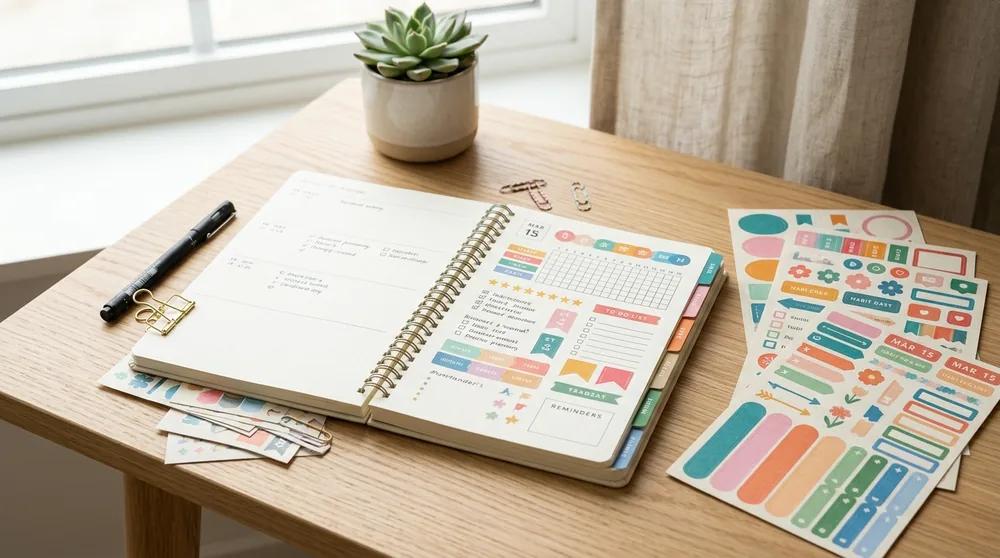 Planner
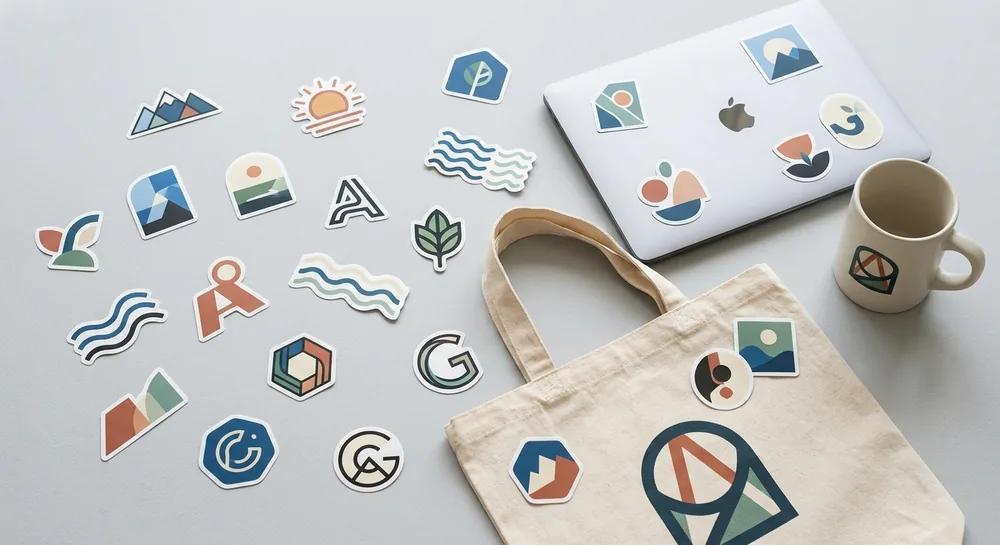
Planner and Journaling Stickers
Kiss-cut sheets with many designs per sheet, shape templates for common planner formats, and fast catalog rotation without a design team.
 Brand merch
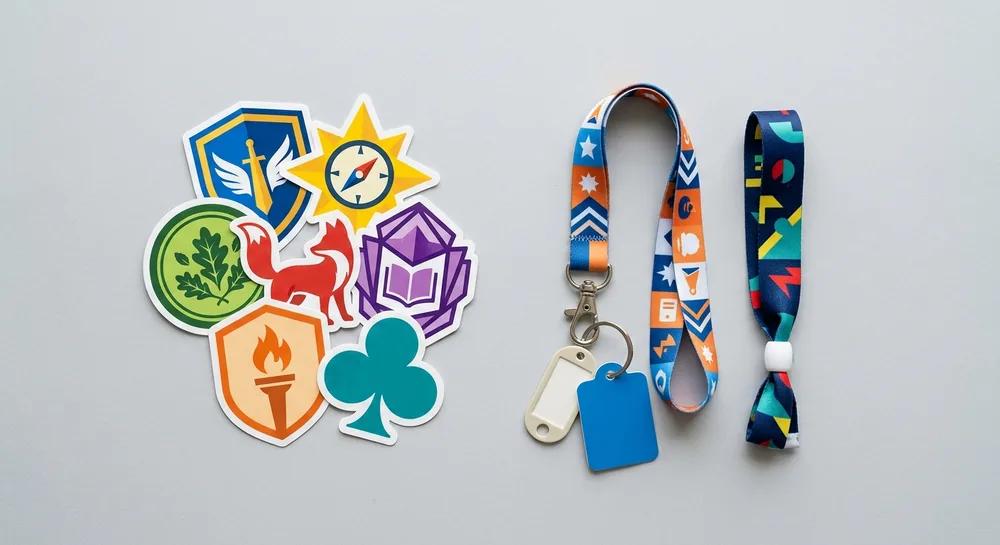
Brand and Creator Merch Stickers
Masterpiece AI turns a logo, photo or idea into sticker artwork, and every prompt is checked automatically.
 Events
Event, School and Club Stickers
Volume-tier pricing for larger one-off orders and quick catalog setup per campaign.
Thinking of starting a sticker printing business?
Read our step-by-step guide, from choosing equipment and materials to setting prices and winning your first customers.
Read: How to Start a Sticker Printing BusinessHow It Works, Implementation Process
From first demo to a live sticker catalog, the path most businesses follow.
Frequently Asked Questions
Ready to sell custom stickers at scale?
See how Printbox powers sticker design and print-on-demand for your store, print shop, or brand.
Book a demo
See how Printbox powers sticker design and print-on-demand for your store, print shop, or brand. Tell us about your business and we'll set up a tailored walkthrough.
Stay connected through our social media profiles: