Print-on-Demand Postcards Software for Print Businesses and Online Stores
White-label web-to-print software that lets your store, print shop, or brand offer personalized print on demand postcards to your own customers.

Trusted by Photo and Print Brands Worldwide
Why Add Postcards to Your Print-on-Demand Catalog
Print on demand postcards are small, flat and cheap to make, and people buy them for trips, weddings, birthdays, events and marketing all year round.
Low cost per unit
A single flat card is one of the cheapest personalized products to produce and ship, so even a small order pays for itself.
Many reasons to buy
Travel photos, save the dates, thank-you notes, club and school events, brand mailers: one format covers a long list of occasions.
Customers come back
Every new trip, wedding season or event is another order. Postcard print on demand keeps stock at zero, since each card is printed after it is paid.
What's Included in Printbox's Postcard Design Software
Everything you need to sell personalized postcards under your own brand, from the editor your customers use to the file your production receives.
Postcard Design Editor
Embedded in your own storefront. The Simple editor lets customers design first and pick size and paper later, and the mobile-first Flex editor is built for cards and gifts. Both show a realistic preview before checkout.
Explore the Simple editorPersonalized Text and Variable Data
Customers add their own text, names and messages to a single card. For a series, the Variable Data module takes a CSV file or a table filled in the editor, so each card in the run carries a different name.
Read: Variable Data Printing for PostcardsAI-Assisted Postcard Design (via Masterpiece AI)
Customers describe a scene or upload a photo, and Masterpiece AI generates the artwork, upscaled to print resolution. It is an extra path next to manual design, and every prompt is moderated automatically.
Explore Masterpiece AIFormat and Finish Options
Standard and custom sizes, paper types and finishes such as matte or glossy are options you configure in your own catalog, with rules that keep out combinations you cannot produce.
Single Orders and Bulk Runs from the Same Software
One custom card or a whole series in a single session: the same editor and catalog handle both, with quantity-based price tiers where you want them. No switching between systems as orders grow.
Production File Automation
Every order renders to a print-ready file automatically, so nobody prepares artwork by hand. Your own presses or your fulfillment partner take it from there.
Storefront and Catalog Integration
Configure sizes, papers and valid combinations once in Printbox, and EC Sync keeps the postcard catalog in your store up to date automatically, with no custom sync code.
How EC Sync worksAI postcard art with Masterpiece AI
Let customers turn a short description or an ordinary photo into postcard artwork that is ready for print, without a designer.
Explore Masterpiece AICompatible with Your eCommerce Platform
Connect web to print postcards to the storefront you already run.
Shopify
Sync your postcard catalog with your Shopify store, with orders flowing to production automatically.
Native sync via EC SyncShopware
Native integration for Shopware-based stores.
Native integrationCustom / Headless
Connect any custom or headless storefront through the Printbox API.
Printbox APIWooCommerce
A WooCommerce connection is on the way, for stores built on WordPress.
Coming soonSelling on Shopify? Both integration routes and what to check in a postcard app are in our guide. Read: Selling Print-on-Demand Postcards on Shopify
Selling Postcards Without and With Printbox
What changes when postcard orders run through software built for personalized print.
Manual and split
- A production file prepared by hand for every order
- Personalization collected by email and retyped
- Separate tools for single cards and series
- Catalog changes copied into the store by hand
- A designer needed for every new motif
Automated and in one place
- Print-ready files generated automatically
- Personalization in the editor, with a live preview
- One platform for single orders and series
- EC Sync keeps the store catalog in sync
- Masterpiece AI artwork as an optional path
The full picture, from formats to scaling, is in our guide. Read: How to Sell Print-on-Demand Postcards
Choosing the Right Postcard Design Software for Your Business
What good postcard software should cover, and how Printbox approaches each point. The full buyer's guide is on our blog.
Read the guide to choosing postcard softwareEase of editing
An editor customers can use with no design skills, on desktop and on their phone.
Text personalization
Names and messages on a single card, and variable data for a whole series.
Single and series orders
One card or a full run in one session, on the same platform, with quantity-based pricing.
Catalog integration
Your postcard catalog synced into Shopify, Shopware or a custom store, no custom sync code.
AI support as an option
AI-generated postcard artwork as an extra path next to manual design.
Example Postcard Implementations
Three ways stores sell postcards print on demand, from one catalog and one production flow.
Photo and Travel Postcards
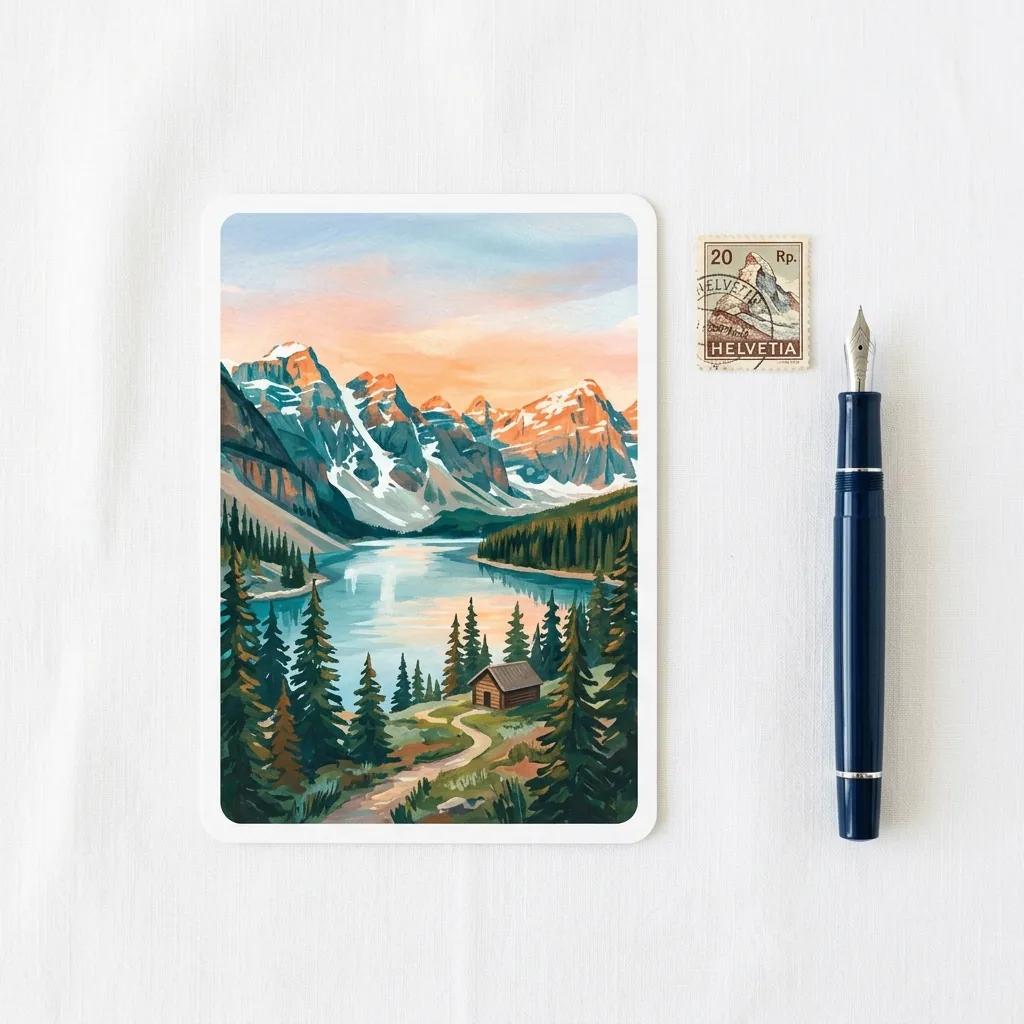
A customer photo or Masterpiece AI artwork, finished with a personal message. Most of these photos live on a phone, so a mobile-friendly editor matters.
Read: Selling Photo and Travel PostcardsEvent, Wedding and Occasion Postcards
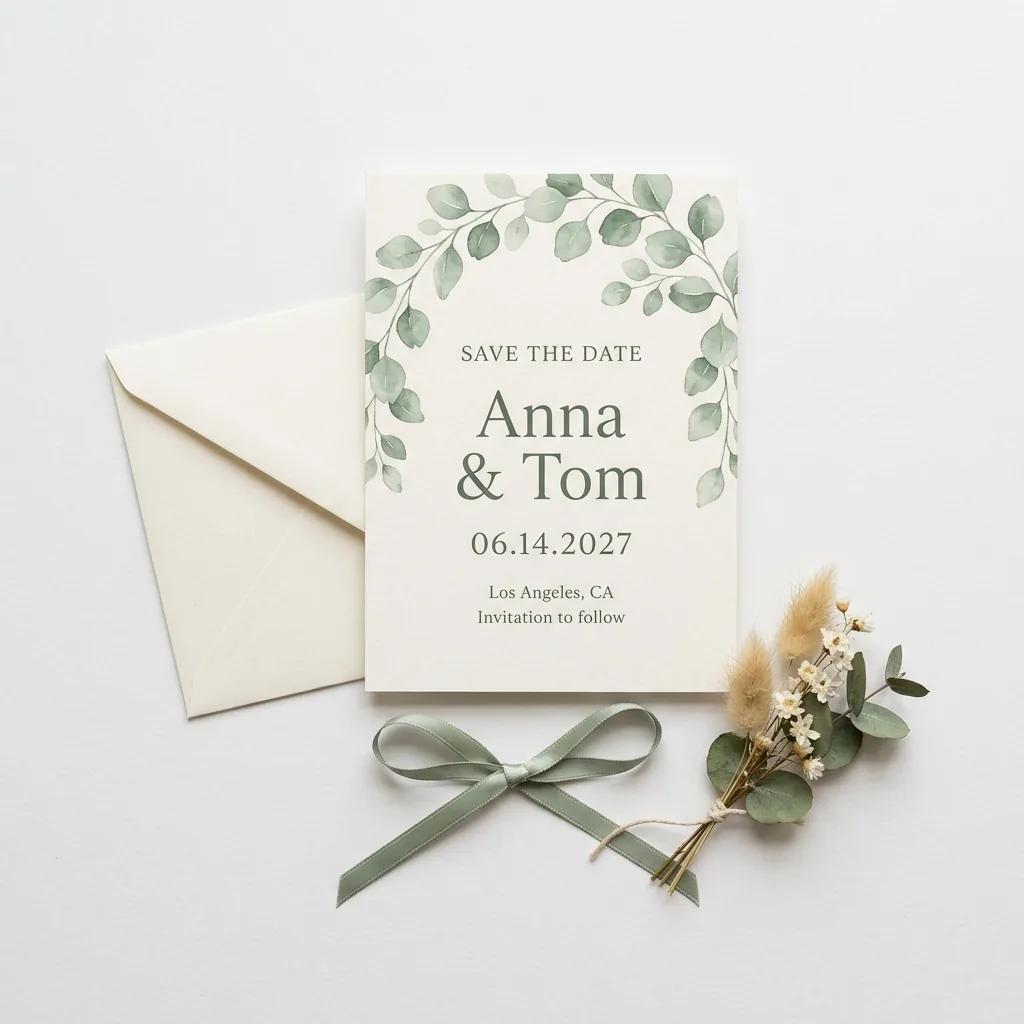
Save the dates, invitations and thank-you cards from templates for each occasion, with guest names added from a list instead of designed card by card.
Read: Selling Wedding and Event PostcardsBrand and Business Postcards
Brands and small businesses create postcards in their own style and reorder in series, without switching to a different system for larger runs.
Who Sells Postcards with Printbox
Print postcards on demand for any kind of seller, on one platform.
Print Shops and Photo Labs
Add web to print postcards as a new online product category on presses you already run, with a print-ready file for every order.
E-commerce Stores
Add personalized postcards to the store you already run, one order at a time, with no stock to hold.
Brands and Creators
Sell your own designs or AI-generated artwork under your brand, with the editor inside your store.
Event Organizers
Invitations, thank-you cards and keepsakes for weddings, schools and clubs, personalized for every guest.
Beyond Postcards: One Platform for Your Full Personalized Product Catalog
The same editors, catalog and production flow power every product you add next.
Photobook Software
Personalized photo books with AI-assisted layouts.
Photo Calendar Software
Wall and desk calendars your customers design themselves.
Photo Album Software
Albums for weddings, families and every milestone.
Print-on-Demand Posters Software
Posters and wall art from the same catalog and editor.
Grow and Scale Your Postcard Business with Printbox
What happens after launch, without changing the software underneath.
More products, same catalog
Add photo books, calendars, albums or posters for the customers who already buy your postcards, with no new integration.
From single cards to series
Move from one-off orders to larger personalized runs on the same platform. Automatic print files keep manual work flat as volume grows.
New markets and stores
Translate the storefront into any language and, depending on your plan, run several stores from one Printbox account.
Bigger baskets
Upselling and buying paths set per product, device or campaign help lift the value of every order.
Production grows on your side, on your own presses or a partner's, without a change of system. Read: How to Sell Print-on-Demand Postcards
How It Works: Implementation Process
From first demo to a live postcard catalog, the path most businesses follow.
- 1Demo and Scoping
- 2Catalog Setup: Sizes, Papers, Finishes
- 3Choose Creation Path (Editor / AI)
- 4Production Configuration
- 5Go Live
Pricing and Engagement Model
Printbox has no fixed plans. You get a dedicated offer built around what you actually sell, so you pay for the setup your postcard business needs.
What shapes your price
Catalog size
How many postcard products, sizes, papers and finishes you offer.
Editor modules
The editors and modules you enable, such as Variable Data, and whether you add Masterpiece AI, which is licensed separately.
Store integration
Shopify, Shopware, or a custom store connected through the API.
Fulfillment setup
Your own production, a fulfillment partner, or both.
Frequently Asked Questions
What sizes and finishes can I offer with this postcard design software?
You decide. Sizes, paper types and finishes such as matte or glossy are options you set up in your own catalog, and customers choose them while they design, with a realistic preview before they order.
Can customers add their own text and photos to each postcard?
Yes. Customers upload their own photos and add names and messages in the editor. For a series, the Variable Data module fills each card with different data from a CSV file or a table edited right in the editor.
Can I offer both single custom postcards and large bulk runs?
Yes. The same editor and catalog handle a single personalized card and a larger series in one session, with quantity-based price tiers if you want them. Every order produces a print-ready file automatically.
Do my customers need design skills to create a postcard in my store?
No. The editor is built for customers with no design experience, and Masterpiece AI can turn a short description or an uploaded photo into postcard artwork for customers who start without an idea.
Can I scale from a few custom postcards to a full personalized product catalog?
Yes. Photo books, calendars, albums and posters run on the same platform, editors and production flow, so adding a category does not need a new integration. Larger series run on the same software as single cards.
What are the key features of a print-on-demand postcard tool from Printbox?
If you are comparing the best print on demand postcards software, look for what Printbox combines: an editor embedded in your store with a realistic preview, text personalization and variable data for series, optional AI artwork with Masterpiece AI, automatic print-ready files, single and bulk orders on one platform, and catalog sync with Shopify, Shopware or a custom store.
Ready to launch postcards under your own brand?
See postcard print on demand in action, set up for your store, print shop, or brand.
Book a demo
See how Printbox powers postcard design and print-on-demand for your store, print shop, or brand. Tell us about your business and we'll set up a tailored walkthrough.
Stay connected through our social media profiles: