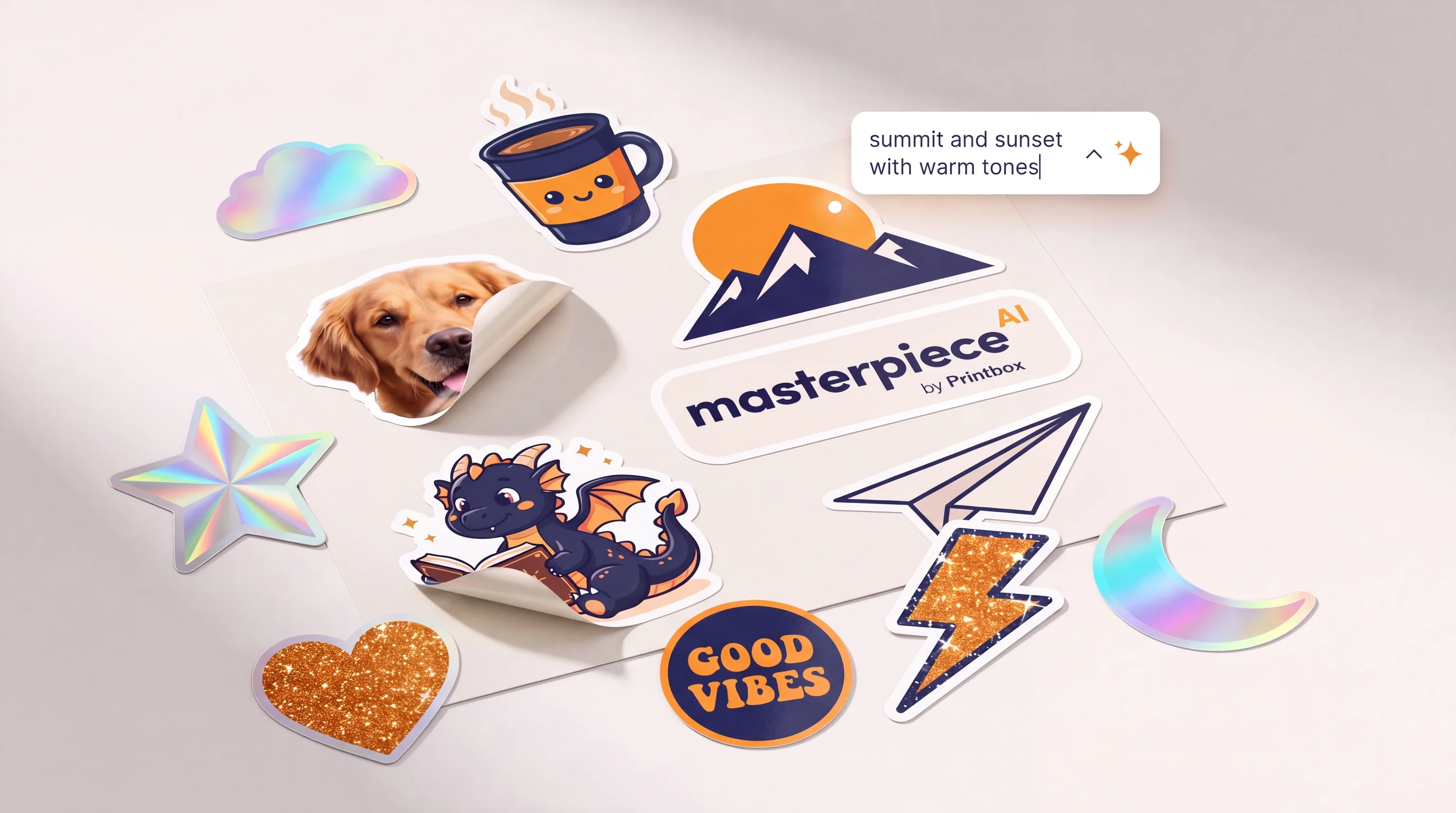
Any idea becomes a sticker. Ready to sell, ready to cut.
A sticker editor for print shops and online stores. Your customers turn an idea, a logo or a photo into a sticker design – you get a cut-ready file, with Easy Peel and smarter sheets built in.
- Cut lines drawn automatically
- Easy Peel
- More stickers per sheet
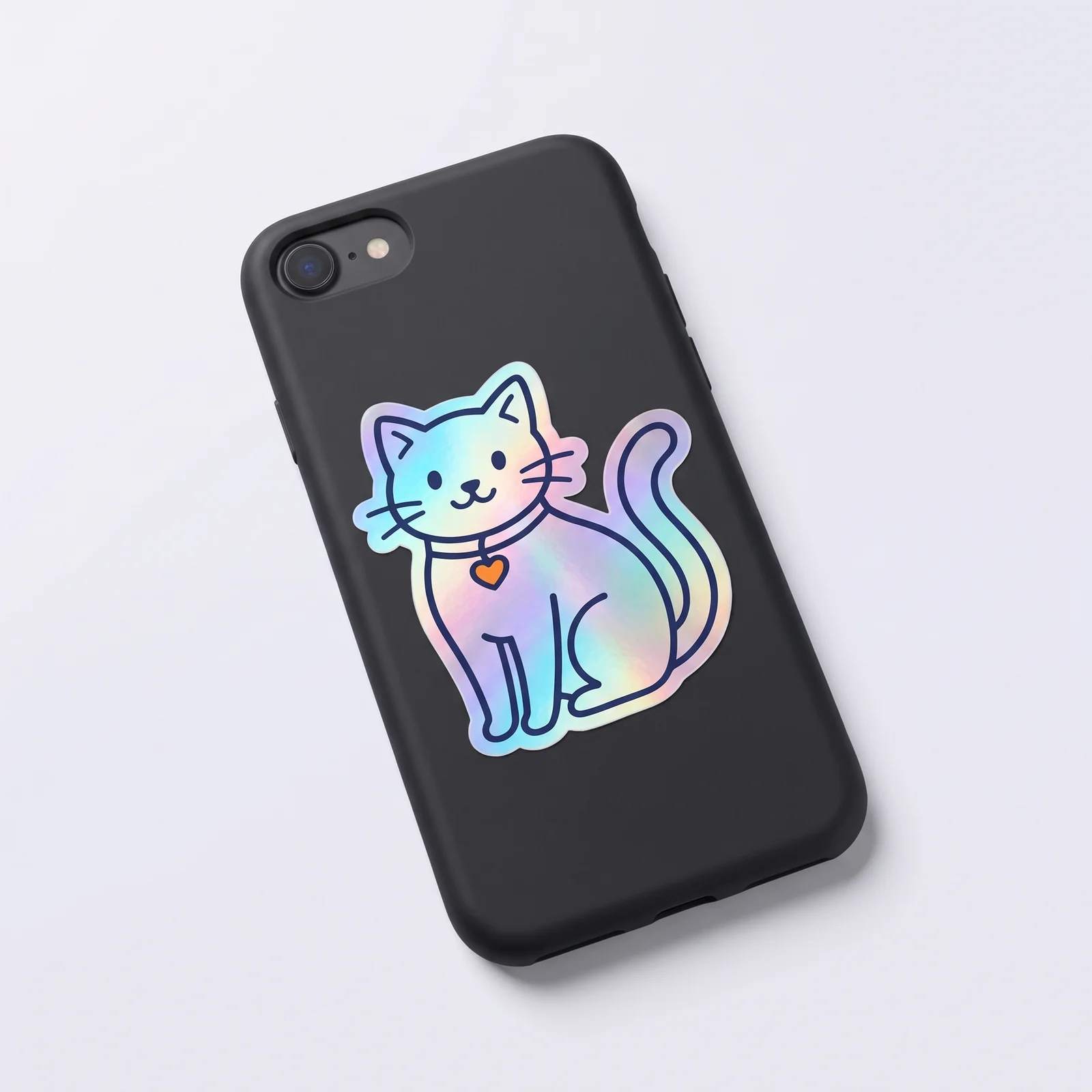 Phone case
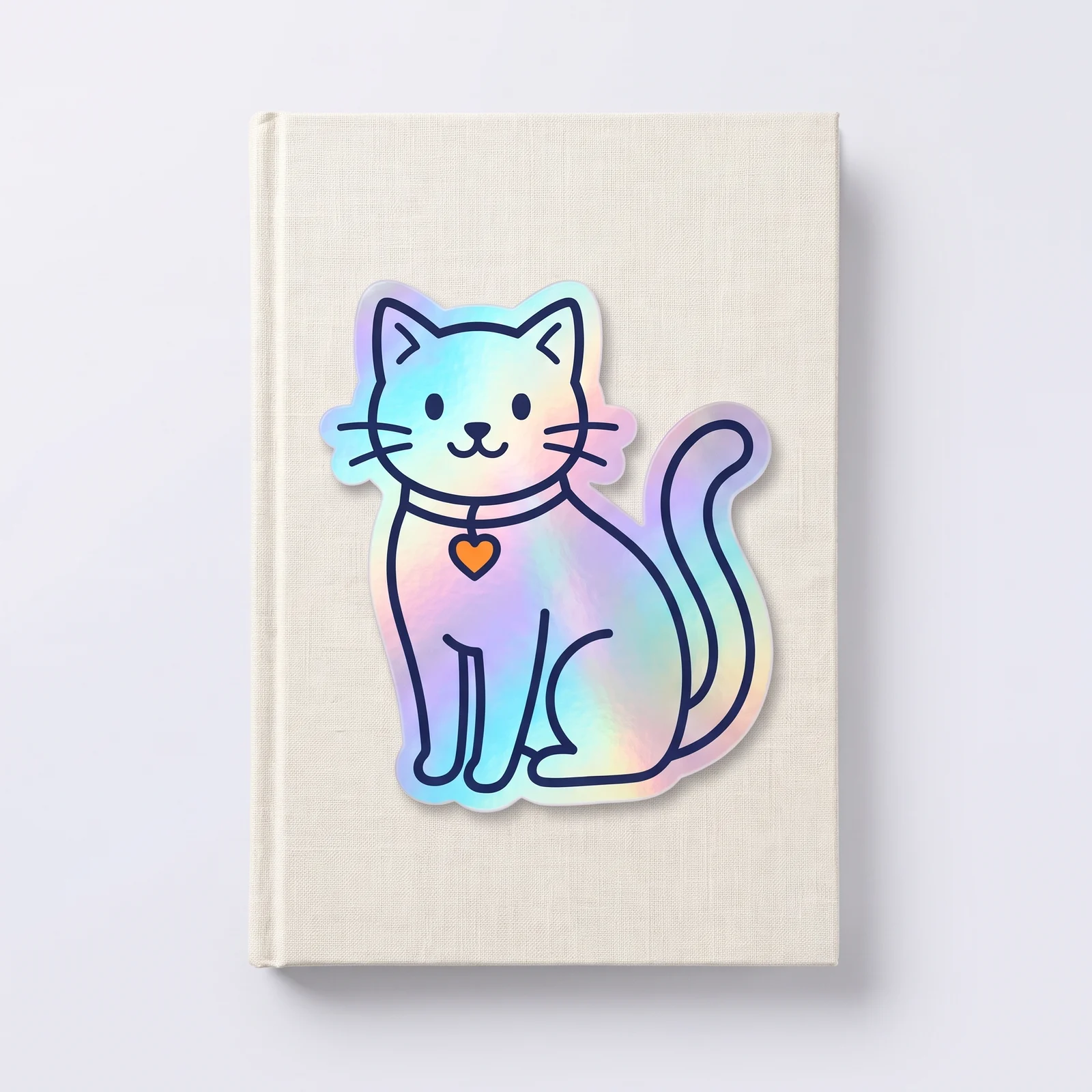 Notebook
 Water bottle
The finishes that sell themselves. Shown live.
Holographic and glitter render live in the editor and catch the light as the shopper moves – so a premium finish sells itself, and nobody is surprised when the parcel opens.
- White vinyl
- Clear
- Eco paper
- Kraft
- Gloss or matte
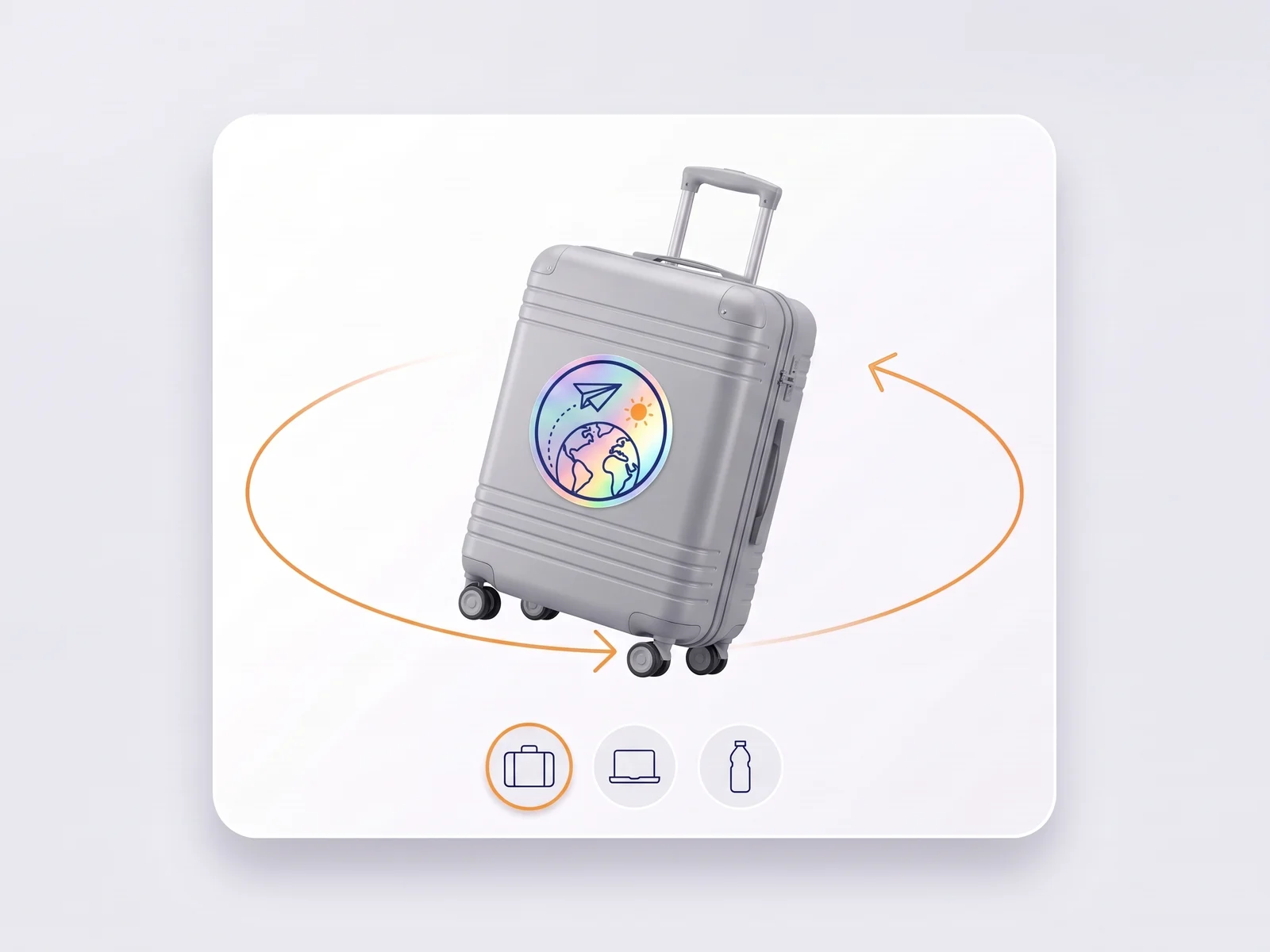
See it where it'll stick.
One click puts the sticker on a laptop, a water bottle, a notebook – or anything you sell – in 3D.
Want these stickers in your store?
Printing is the easy part.
The slow part is everything before it – drawing a cut line around every design, laying stickers out on the sheet, sending proofs back and forth. Masterpiece AI does that part for you.
Upload. We trace it.
The background comes off and the cut line is drawn around the artwork in seconds. No contours redrawn overnight, no proof ping-pong.
- Die-cut, circle, square or rounded
- The border width you set
- Saved as a real cut path in the file
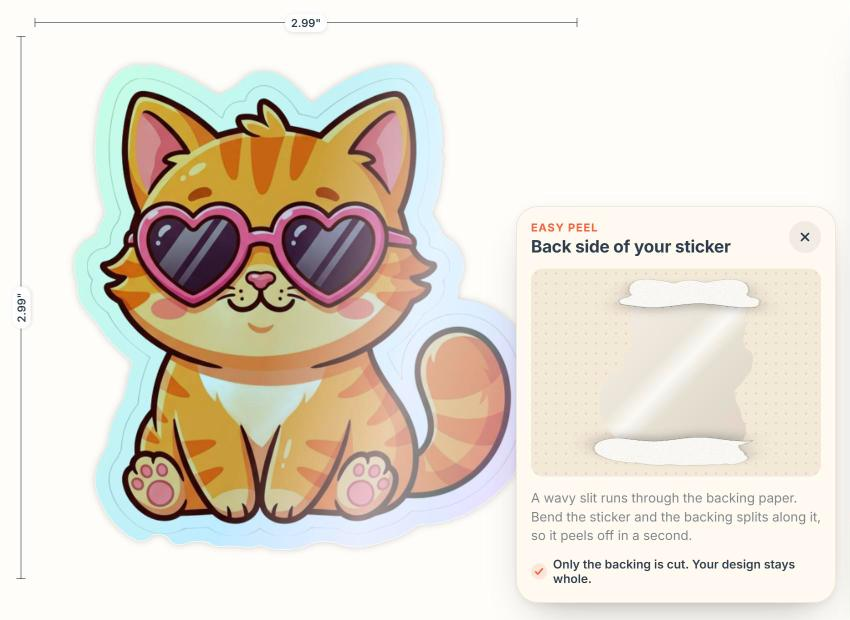
Peels like a plaster.
A wavy slit in the backing paper. The sticker bends, the liner splits and it lifts off in a second – the design stays whole.
Sold as a paid add-on – one click for the shopper, a higher basket for you.Same paper. More stickers off it.
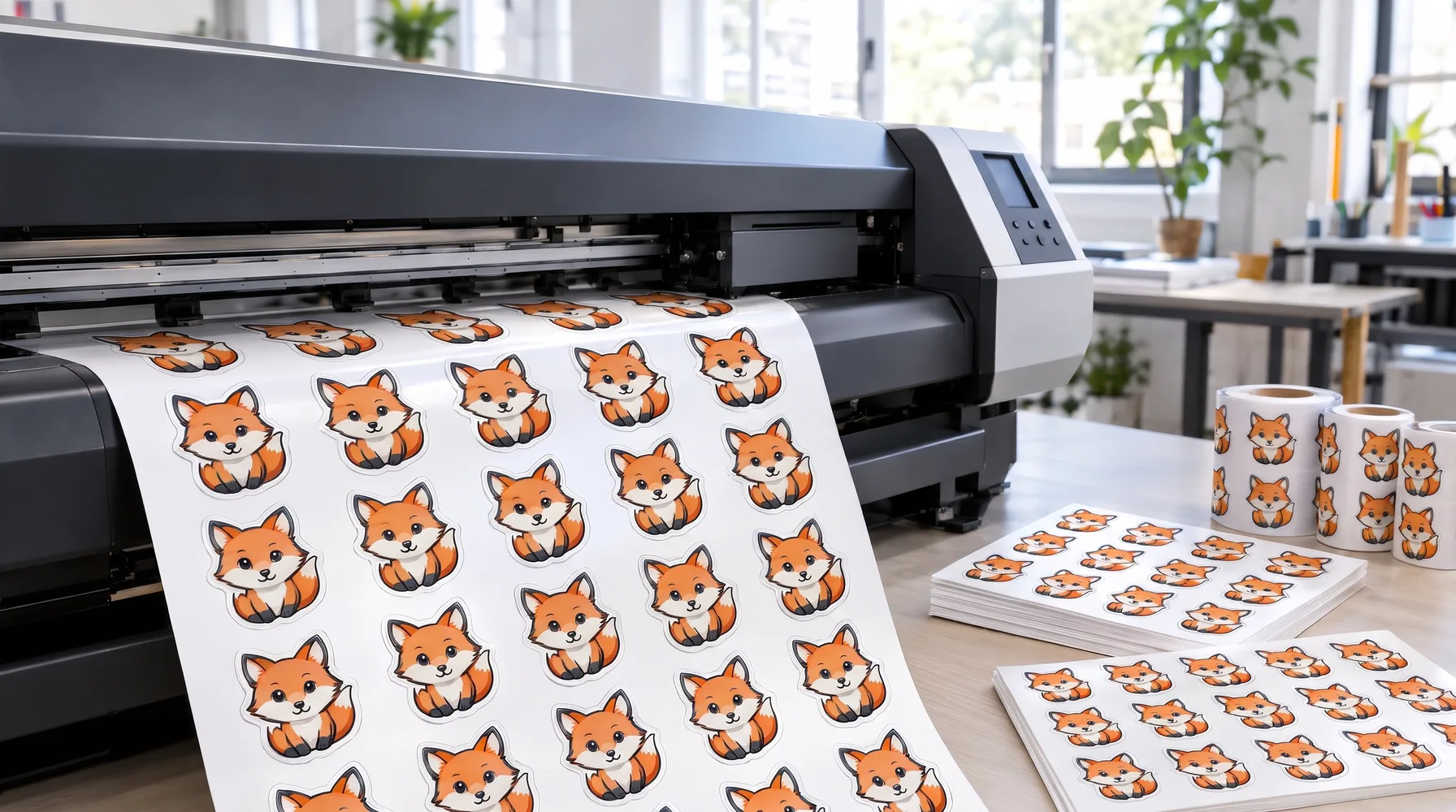
Material is the one cost in a sticker job you cannot negotiate down. How tightly the sheet is packed, you can.
Example: 57 × 72 mm lightning-bolt sticker on an SRA3 sheet, 2 mm between cut lines
Stickers are turned and nudged into each other, so the gap one shape leaves is filled by the next. It runs on every order with nothing for your team to set up.
Smart SizingThe optimizer shows which size fits the most per sheet before the order is placed. A customer asking for 72 mm gets 36; at 70 mm it is 39. The shopper still chooses.
One sheet. Every favorite.
The feature every sticker buyer asks for – and few platforms build, because it's hard. Repeat one design or mix several on one sheet.
Die-cut, sheets and roll labels.
Three ways to sell the same design, from a one-off sticker to a labelled production run.
Die-cut stickers
Cut to the shape of the artwork, with the border width you set.
- Die-cut, circle, square or rounded rectangle
- Adjustable border width
- Easy Peel available
Sticker sheets
Kiss-cut sheets in three sizes, one design or several.
- Three sheet sizes
- Mix & Match Sheets
Roll labels
For products that ship by the thousand rather than the pack.
- Paper gloss, white BOPP, clear BOPP, kraft
- Circles, squares or rounded rectangles
Missing a feature in your current solution? Let us know.
Tell us what your sticker workflow still does by hand, and we'll show you how Printbox covers it.
From an idea to a ready-to-sell sticker – inside your own store.
Four steps in the editor. The shopper picks a product; you get a file the press and the cutter can both take.
 1
Describe it or upload it
A logo, a photo, or a one-line idea – in your store, under your brand.
 2
Pick the shape and finish
Die-cut or square, holographic or matte – previewed before anything is ordered.
 3
Set size, pack and Easy Peel
The size that fits best per sheet, with Easy Peel offered as a paid add-on.
 4
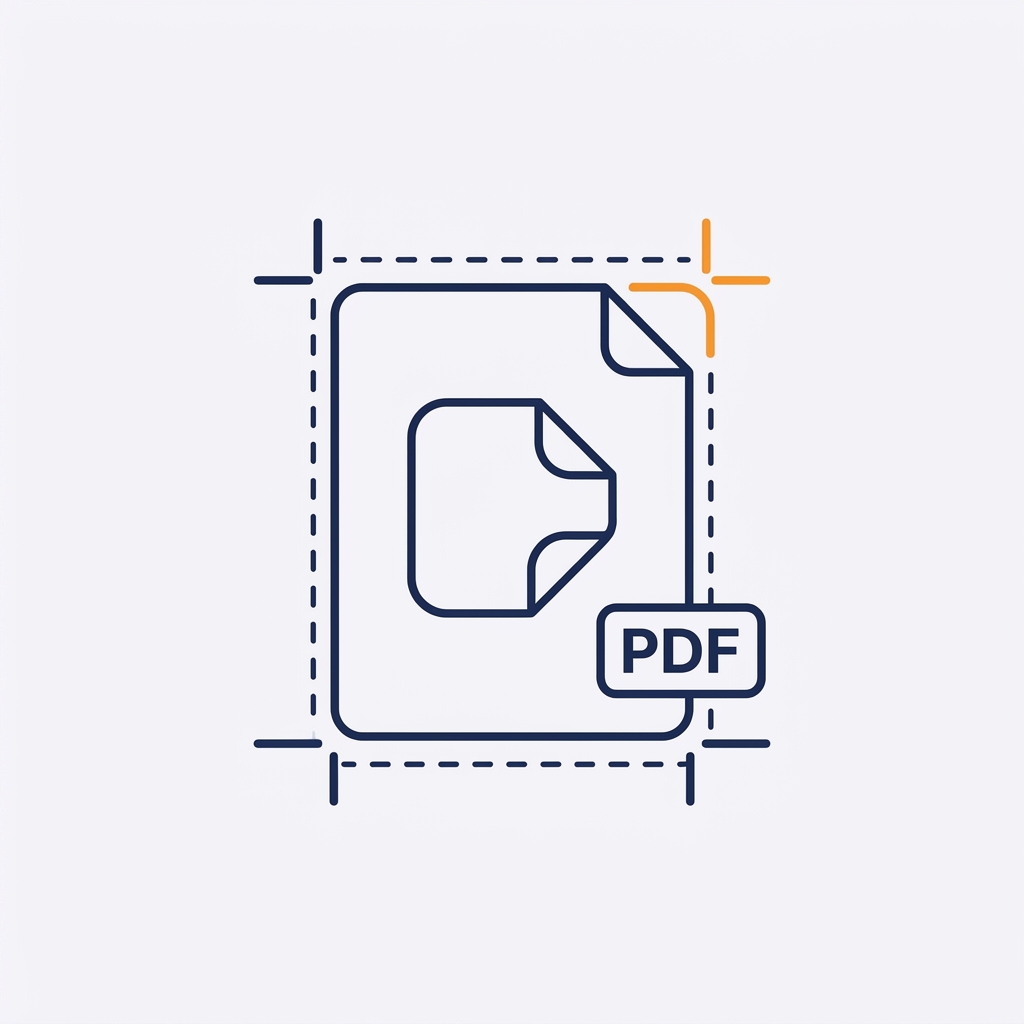
The file comes out cut-ready
Right size, cut path included – straight to your press and your cutter.
See it running on your own products.
Stickers are the impulse buy people come back for.
Brands, creators, fandoms, events, small shops – cheap to make, easy to design, and ordered again and again. The real question isn't who wants a personalized sticker. It's who's selling one right now.
One tool. Many ways to earn.
Sell branded stickers and merch
A logo, a mascot, a campaign line becomes a die-cut sticker pack, a label, or a merch add-on. The kind of low-cost, high-margin product brands and creators re-order.
Your brand, your store
Customers see you, not some outside AI tool. Your catalogue, your prices, your cart – on Shopify or your current Printbox setup.
Built around your idea
Small brands, creators, events, schools, sports clubs – if you can describe the sticker, we'll scope the format and build it with you.
Ready before the season? Let's set up your sticker range.
Not ready for a full demo? Just leave your email.
We'll send a short walkthrough built on your products - then follow up. No long form, no pressure.
Stickers, answered.
- Can I order stickers here for myself?
- No – Printbox is software for print shops and online stores. It puts the sticker editor in your store, so your customers design and order stickers from you.
- What does Printbox give a sticker printer?
- A sticker editor in your store and a cut-ready file for every order. Shoppers create or upload a design, pick the format, finish and size, and the order reaches you as a vector PDF with the cut path already in it – straight to your press and your cutter.
- What exactly is in the print file?
- A vector PDF generated straight from the order, carrying the CutContour cut path for the cutter, the BackSlit slits where Easy Peel was ordered, registration marks for the cutter's camera, and a slug line. It is press-ready as it arrives.
- Which finishes are available – including holographic and glitter?
- White vinyl in permanent or removable, clear, holographic, glitter, eco paper and kraft, each with a gloss or matte top. All of them render live in 2D and in 3D on the shopper's own design, so the shine is visible before payment.
- Can I use my own logo or brand artwork?
- Yes – that's a core use case. A logo, mascot, or product photo becomes a clean sticker design you can sell as packs, labels, or merch add-ons, and customers never see the Printbox name.
Stay connected through our social media profiles: