Wall art that sells itself
Wall art lives or dies on the upload, and a soft phone photo never sells a two-metre canvas. Masterpiece AI lifts that everyday photo to gallery quality right in the editor, so the shopper sees the big format looking the way they hoped and picks the largest, highest-margin size with confidence. The preview is built from the same print-ready file that reaches your line, so the size they trust is the size that ships.

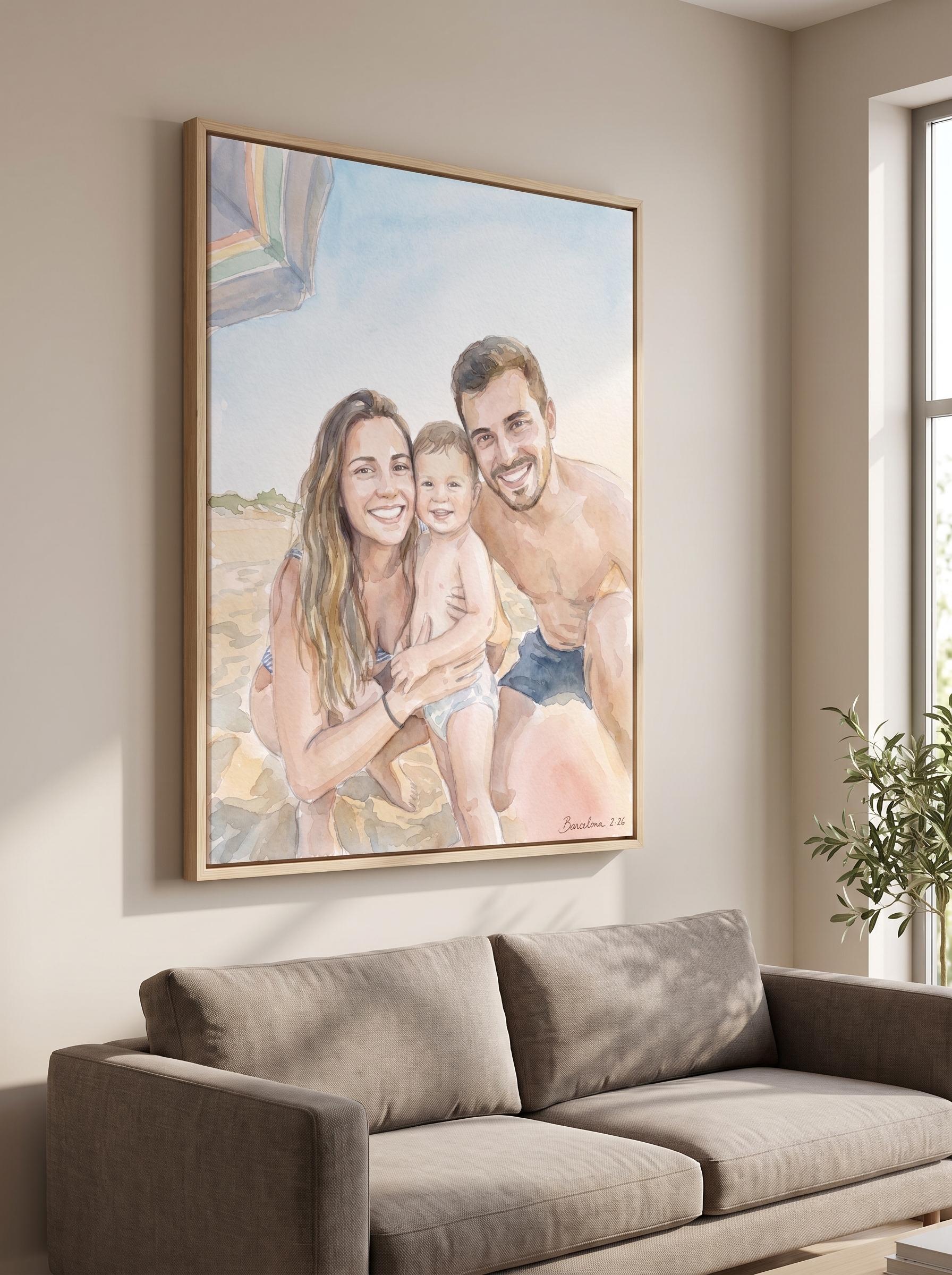
From a phone snap to a wall piece

The shopper uploads a normal phone picture, soft light and small file and all.
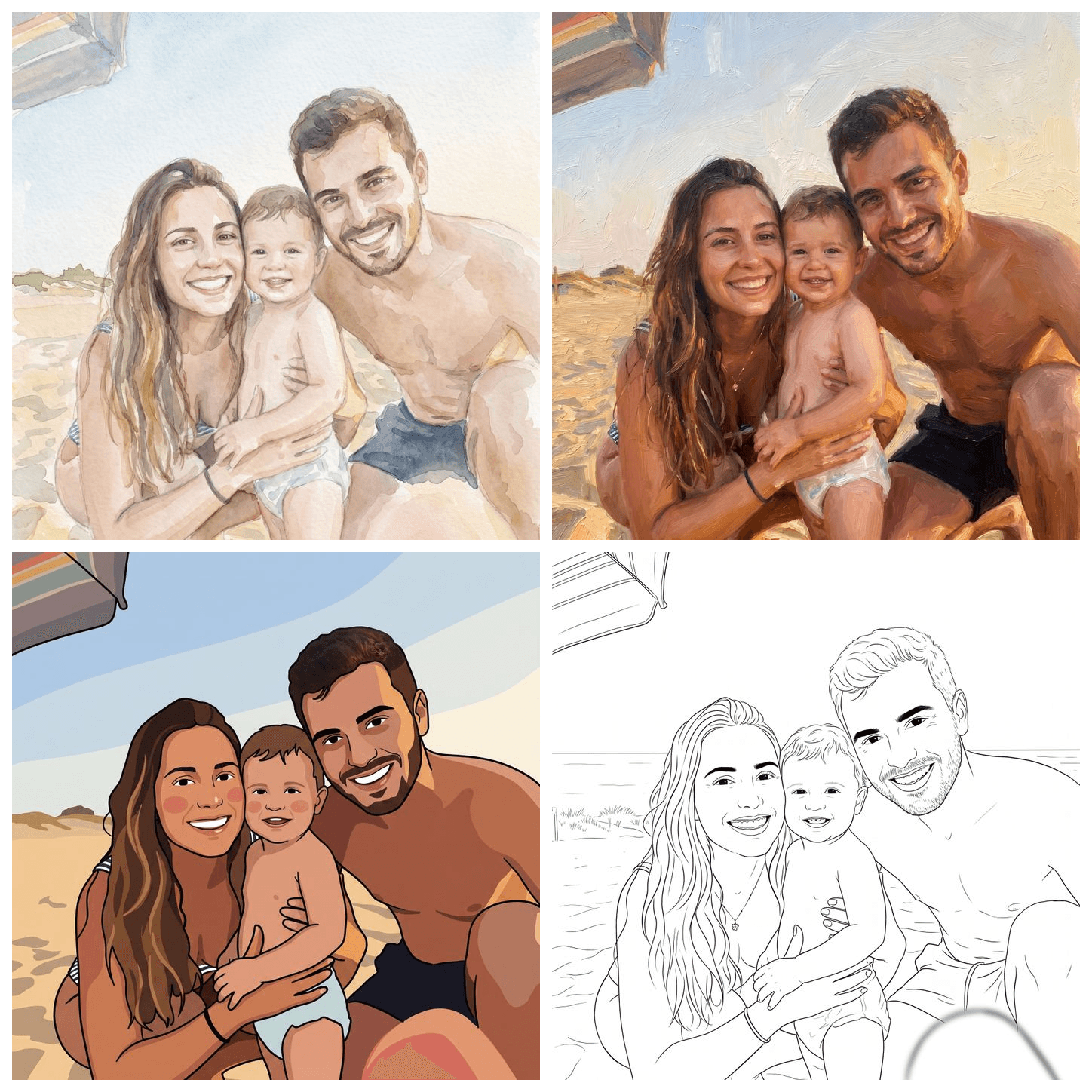
The editor lifts it to a sharp, frame-worthy image and shows it on the wall at full size.
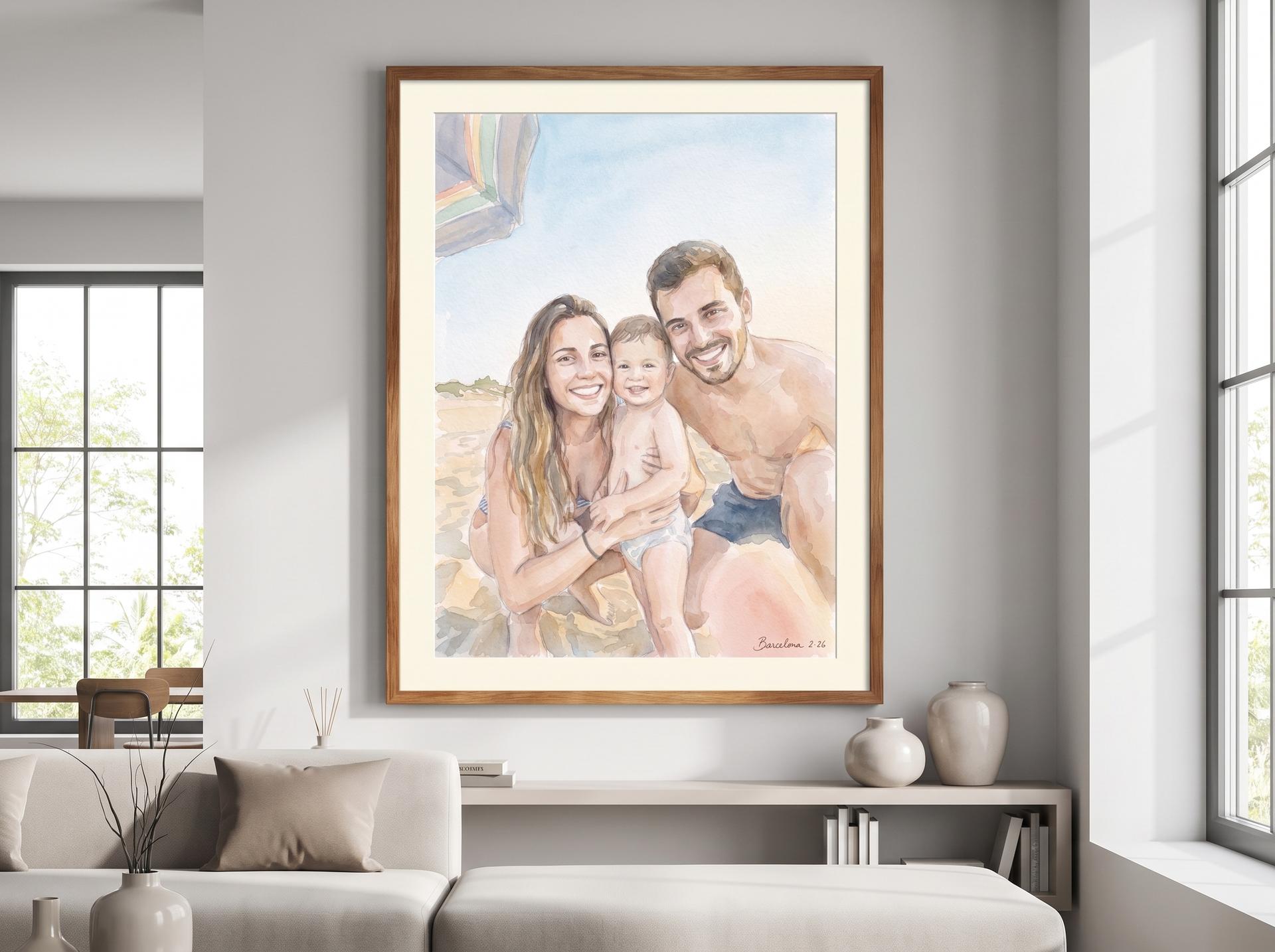
They size up with confidence and check out on your highest-margin canvas or acrylic.
Why it sells
Big formats convert
A sharp, gallery-grade preview removes the doubt that stops shoppers sizing up. They choose the large canvas over the safe small print because they can see it will hold.
Your richest margins
Canvas and acrylic carry the best margins in your catalog. Winning the large format on every order lifts average order value with no new products to source.
Holds at wall scale
Smart upscaling and CMYK calibration tuned per material keep a phone snap true and detailed even printed two metres wide, so returns and reprints stay rare.
They buy what they see
The on-wall preview matches what ships, so the shopper trusts the size they pick and the finished piece never disappoints when it arrives.
Want it on your products? See it live.
A 20-minute demo on your catalog, your substrates, your numbers - no slides.
Live in a week, not months.
Connect your store
Add the editor to your Shopify, Shopware or custom storefront with a clean API, live in about a week.
Map your formats
Point your canvas and acrylic sizes at the editor so each one previews and prints at its true dimensions.
Sell the big size
Shoppers upload, see the gallery-grade preview at full scale and check out on the largest format you offer.
More ways to sell, from the same engine.
Ready-made art, no designer
A library of finished, on-brand designs your customers put on a product as-is. Refresh the catalog without a design studio.
See use case →Own a category nobody else sells
Any photo or theme becomes printable coloring pages and full books - a category most stores can't staff for.
See use case →Own your niche, end to end
Pets, sport, fandoms - a library tuned to your audience's passion, so you launch a niche competitors can't cover.
See use case →Apparel, printed only when it sells
Let customers design wearable pieces from ready blanks, printed on demand through our fulfilment network.
See use case →Premium pet keepsakes
A customer's phone snap becomes a frame-worthy portrait - turning a low-converting upload into a high-margin sale.
See use case →Family moments, worth keeping
Scan art, birth posters, nursery prints - built from a photo or just a name and a date, and sold at keepsake prices.
See use case →Wall art that sells itself
Everyday photos reach studio quality, so customers confidently buy the biggest, highest-margin formats.
See use case →Every photo, another product
Customers upload dozens of photos for one photo book - turn each into a gift product they'd actually buy.
See use case →AI stickers, cut and ready to sell
Any logo or photo becomes a clean die-cut sticker - background removed, cut line added, print-ready.
See use case →Wall art questions, answered
- Will a low-resolution phone photo really print well on a large canvas?
- Yes. Smart upscaling rebuilds detail and CMYK calibration is tuned per material, so a small phone file lands sharp even at two metres wide. The preview the shopper sees matches what prints.
- Does the on-wall preview match the printed piece?
- The preview is generated from the same print-ready file that goes to production, so what the shopper approves at full size is what ships. That match is what gives them the confidence to size up.
- Which products does this work for?
- Canvas, acrylic, framed prints, posters and any flat wall format in your catalog. Each format previews and prints at its own true dimensions and substrate profile.
- How long does it take to add this to my store?
- Most stores are live in about a week. The editor connects to Shopify and Shopware out of the box, and a clean API covers custom storefronts.
- How does selling bigger formats change my margins?
- Canvas and acrylic carry the highest margins in most catalogs, often 20 to 40 percent on personalized pieces. Winning the large format on more orders raises average order value without adding any new products.
Sell premium wall art. See it live.
A 20-minute demo on your products, your catalog, your numbers - no slides.
Stay connected through our social media profiles: